Spouse rignts in legal separation in washington dc state 2026

Get Form
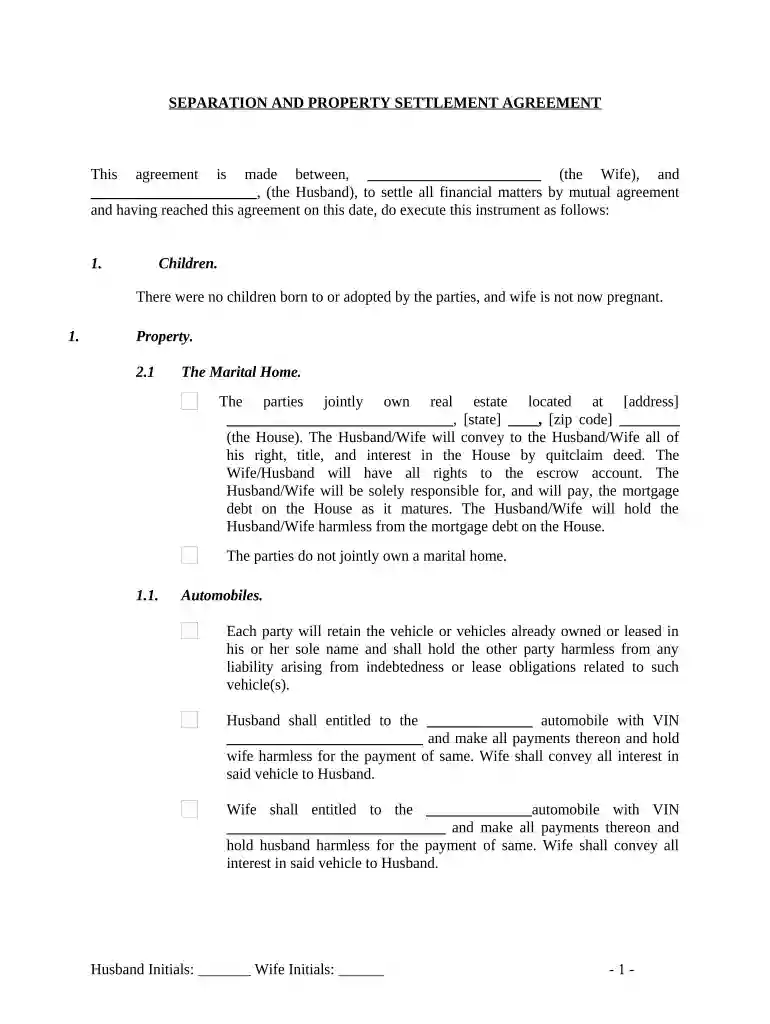
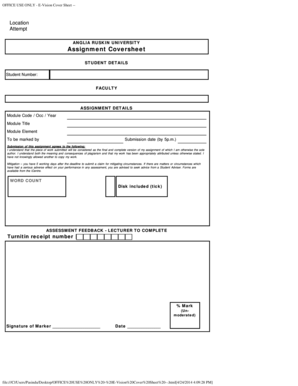
divorce in dc Preview on Page 1

Here's how it works

01. Edit your divorce in dc online
Type text, add images, blackout confidential details, add comments, highlights and more.

02. Sign it in a few clicks
Draw your signature, type it, upload its image, or use your mobile device as a signature pad.

03. Share your form with others
Send legal separation dc via email, link, or fax. You can also download it, export it or print it out.

How to use or fill out spouse rights in legal separation in Washington DC state

Form edit decoration
9.5
Ease of Setup
DocHub User Ratings on G2
9.0
Ease of Use
DocHub User Ratings on G2
  1. Click ‘Get Form’ to open the Separation and Property Settlement Agreement in our editor.
  2. Begin by filling in the names of both parties at the top of the document. Ensure accuracy as this establishes the agreement's validity.
  3. In the 'Children' section, indicate whether there are any children involved. If none, simply check the box stating that there were no children born or adopted.
  4. Proceed to the 'Property' section. Fill in details about the marital home, including address and ownership specifics. Specify who will be responsible for mortgage payments.
  5. For automobiles, list each vehicle assigned to either party along with their VINs. Ensure both parties initial next to their respective vehicles.
  6. In the 'Bank Accounts' section, designate which accounts belong to whom and confirm actions regarding closing or removing names from these accounts.
  7. Complete sections on other personal property and marital obligations by detailing ownership and responsibilities for debts incurred individually.
  8. Finally, review all entries for accuracy before signing. Each party should initial where indicated and ensure notarization is completed.

Start using our platform today to easily fill out your legal separation documents for free!

be ready to get more

Complete this form in 5 minutes or less

Get form

Security and compliance

At DocHub, your data security is our priority. We follow HIPAA, SOC2, GDPR, and other standards, so you can work on your documents with confidence.
Learn more
ccpa2
pci-dss
gdpr-compliance
hipaa
soc-compliance