




Here's how it works

01. Edit your security deposit interest calculator ct online
Type text, add images, blackout confidential details, add comments, highlights and more.

02. Sign it in a few clicks
Draw your signature, type it, upload its image, or use your mobile device as a signature pad.

03. Share your form with others
Send rental security deposit interest calculator via email, link, or fax. You can also download it, export it or print it out.
How to use or fill out Landlord Tenant Closing Statement to Reconcile Security Deposit - Connecticut with our platform

- Click ‘Get Form’ to open the Landlord Tenant Closing Statement in the editor.
- Begin by entering the Landlord's name and the leased premises address at the top of the form. This information is crucial for identifying the parties involved.
- Fill in the tenant's information, including their name(s), forwarding address, and new phone number. This ensures that all communication is directed appropriately.
- In the security deposit section, input the total amount paid by the tenant, along with any other deposits or rent credits applicable. This will help in calculating total credits.
- List any charges against the deposit, such as cleaning charges or damage repairs. Be specific about each charge to maintain transparency.
- Calculate and enter total charges, amount due to tenant, amount retained by landlord, and any comments necessary for clarity.
- Finally, ensure that either you or your representative signs and dates the document before delivering it to the tenant.
Start using our platform today for free to streamline your document editing and signing process!
Fill out Landlord Tenant Closing Statement to Reconcile Security Deposit - Connecticut online
It's free
It's free
Security and compliance
At DocHub, your data security is our priority. We follow HIPAA, SOC2, GDPR, and other standards, so you can work on your documents with confidence.
Learn more


Related forms

Eng 4345 form
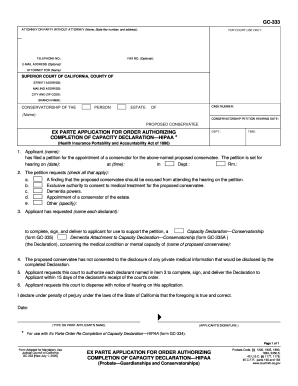
Example of california ex parte application california
The document is an Ex Parte Application for an order authorizing the completion of a Capacity Declaration under HIPAA fo ...
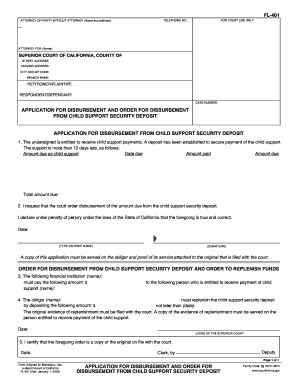
Application disbursement order form
The document FL-401 is an application form used in the Superior Court of California for requesting disbursement from a c ...
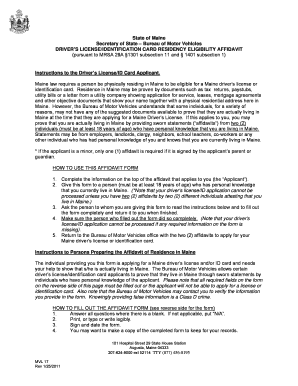
Proof of residency maine
The document outlines the residency eligibility requirements for obtaining a Maine driver's license or identification ca ...
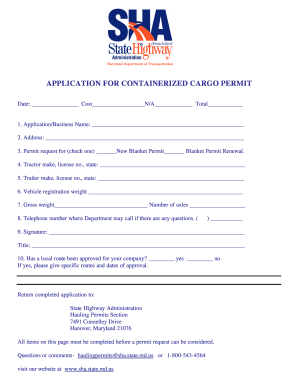
Containerized cargo permit maryland
The document is an application form for obtaining a containerized cargo permit, detailing required information such as b ...

Key biscayne building permit applicationDocHubcom form
The document provides a concise overview of the primary concept or subject, highlighting its central theme and key conte ...

Decatur city building permit
The document is an application form for obtaining a building permit in the City of Decatur, Illinois. It requires detail ...