
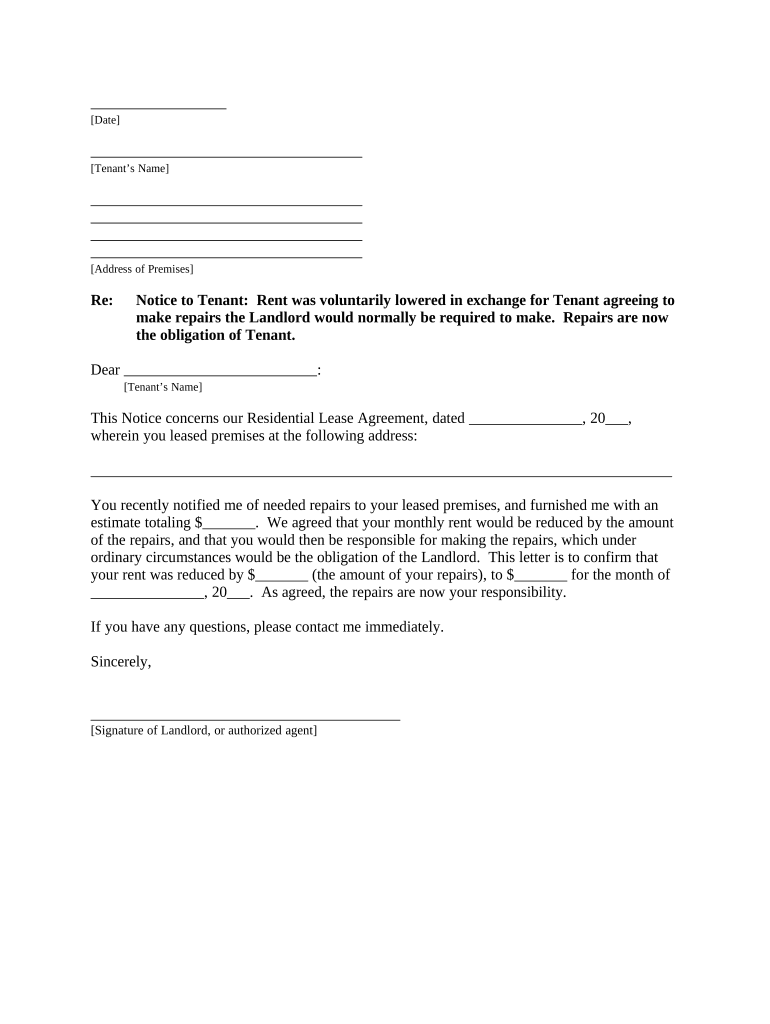




Here's how it works

01. Edit your letter of rental online
Type text, add images, blackout confidential details, add comments, highlights and more.

02. Sign it in a few clicks
Draw your signature, type it, upload its image, or use your mobile device as a signature pad.

03. Share your form with others
Send rent letter via email, link, or fax. You can also download it, export it or print it out.
How to use or fill out letter tenant rent with our platform

- Click ‘Get Form’ to open the letter tenant rent in the editor.
- Begin by entering the date at the top of the document. This sets the context for your notice.
- Fill in the Tenant’s Name and Address of Premises in the designated fields to personalize your communication.
- In the body of the letter, specify the details of your Residential Lease Agreement, including the date and address of the leased premises.
- Clearly state the amount of repairs and how it affects the monthly rent. Fill in these amounts accurately to avoid confusion.
- Sign off with your name and title as Landlord or authorized agent, ensuring you have a professional closing.
- Finally, select how you delivered this notice to ensure proper documentation. Check one of the options provided.
Start using our platform today for free to streamline your document editing and signing process!
Fill out letter tenant rent online
It's free
Security and compliance
At DocHub, your data security is our priority. We follow HIPAA, SOC2, GDPR, and other standards, so you can work on your documents with confidence.
Learn more


Related forms
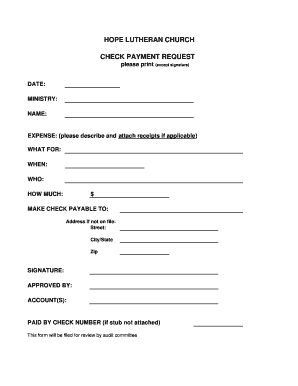
Check Payment Request Form.pdf - Hope Lutheran Church - ourhopechurch
The document is a check payment request form for Hope Lutheran Church, designed to facilitate the submission of expenses ...
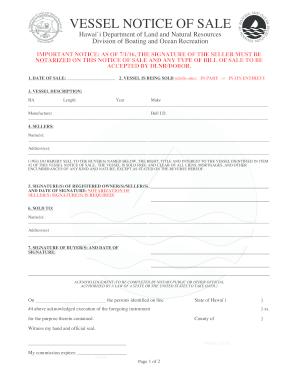
Hawaii vessel
The document is a Vessel Notice of Sale issued by the Hawai`i Department of Land and Natural Resources, outlining the re ...
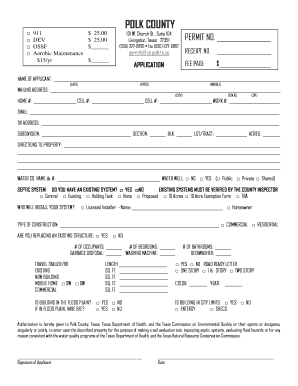
Polk county permits
The document is a permit application form for septic system installation in Polk County, Texas. It includes sections for ...
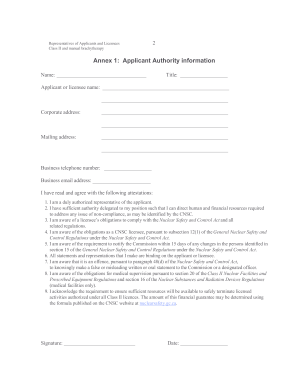
Form for Representatives of applicants and licensees. Form for Representatives of applicants and licensees
Form for Representatives of applicants and licensees. Form for Representatives of applicants and licensees
The document outlines the requirements for representatives of applicants and licensees applying for Class II and manual ...
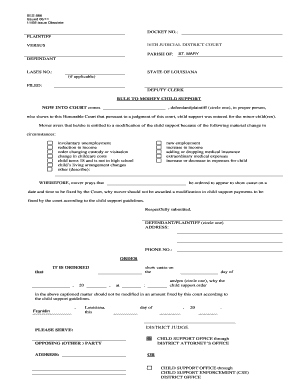
Rule to Modify Child Support
The document is a legal form related to a child support modification request in the 16th Judicial District Court of St. ...
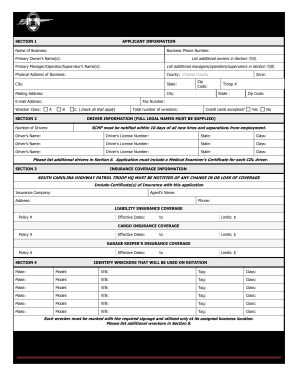
Sc rotation application
The document is an application form for the South Carolina Highway Patrol (SCHP) Wrecker Rotation List. It requires deta ...
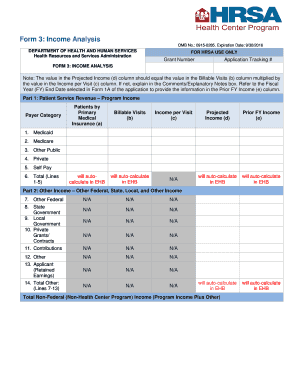
Form 3: Income Analysis - Bureau of Primary Health Care - HRSA - bphc hrsa
The document is Form 3: Income Analysis, used by the Health Resources and Services Administration (HRSA) to collect proj ...