



01. Edit your tanning waiver form online
Type text, add images, blackout confidential details, add comments, highlights and more.

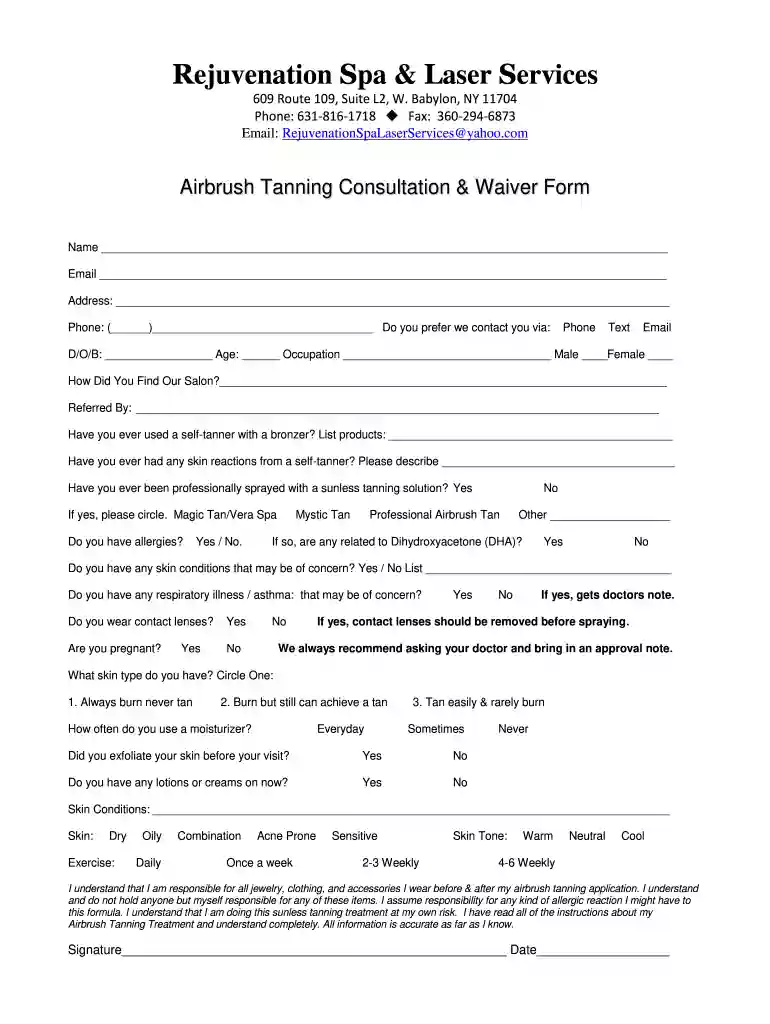
Type text, add images, blackout confidential details, add comments, highlights and more.

Draw your signature, type it, upload its image, or use your mobile device as a signature pad.

Send spray tan consultation form via email, link, or fax. You can also download it, export it or print it out.

Start filling out your spray tan consent form online for free today!
Yes, you can use DocHub for signing any business and personal paperwork, including your spray tan consent form. All eSignatures you generate with our tool are legally binding and court-admissible, as DocHub complies with standards required by ESIGN and UETA. Save your completed form with a detailed Audit Trail if necessary.
It is a no-brainer on a computer or via a mobile device to complete a tanning consultation pdf with DocHub. All you need to do is open any installed internet browser on your smartphone and proceed to the DocHub site. Once authenticated, add your file and open it in editing mode. Use our toolbar to make your edits and save adjustments. Optionally, keep your file in your files or send it to a recipient on the spot.
At DocHub, your data security is our priority. We follow HIPAA, SOC2, GDPR, and other standards, so you can work on your documents with confidence.
PARENT/GUARDIAN CONSENT FORM. Pursuant to KRS 217.922, an owner, employee, or operator of a tanning facility may not allow a minor under the age of eighteen.Read more
This form is for reference purposes only. It is a general guideline and not a statement of standard of care. Rather, this form should be edited and amendedRead more
Confidentiality Statement. Confidentiality Statement: Data and information contained in this document are considered to constitute trade secrets.Read more


