




Here's how it works

01. Edit your 14 day notice to landlord for repairs online
Type text, add images, blackout confidential details, add comments, highlights and more.

02. Sign it in a few clicks
Draw your signature, type it, upload its image, or use your mobile device as a signature pad.

03. Share your form with others
Send landlord repair notice to tenant via email, link, or fax. You can also download it, export it or print it out.
How to use or fill out 14 day notice with our platform

- Click ‘Get Form’ to open the 14-day notice in the editor.
- Begin by entering the tenant(s) name in the designated field at the top of the form.
- Fill in your name as the landlord in the 'FROM' section, ensuring clarity on who is issuing the notice.
- Provide the address of the leased premises where indicated, making sure it matches your lease agreement.
- In the breach description area, clearly outline any failures to maintain premises or damages that have occurred.
- Specify the final day of the notice period by filling in both day and year fields accurately.
- Complete any additional sections regarding potential actions if defaults are not cured, ensuring all legal language is clear.
- Sign and date at the bottom of the form, confirming your authority as landlord or authorized agent.
- Finally, choose how you will deliver this notice (by hand, mail, or posting) and complete that section accordingly.
Start using our platform today for free to streamline your document editing and signing process!
Fill out 14 day notice online
It's free
It's free
Security and compliance
At DocHub, your data security is our priority. We follow HIPAA, SOC2, GDPR, and other standards, so you can work on your documents with confidence.
Learn more


Related forms
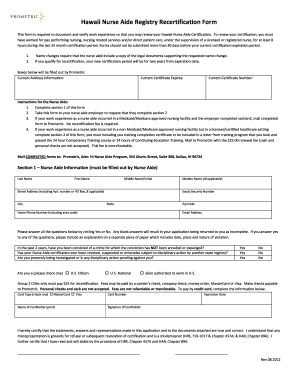
Hi aide
The Hawaii Nurse Aide Registry Recertification Form is required for renewing a Nurse Aide Certification in Hawaii. To qu ...
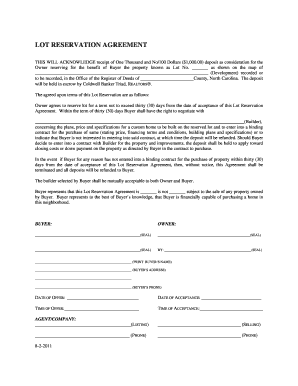
Lot reservation agreement
The document is a Lot Reservation Agreement acknowledging a $1,000 deposit for reserving a specific lot in North Carolin ...
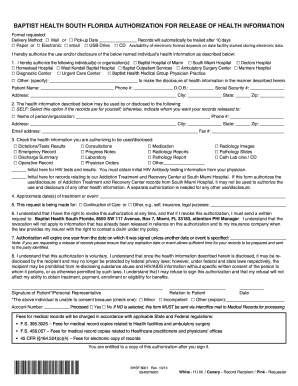
Medical Records Release Form - Baptist Health South Florida
The document is an authorization form from Baptist Health South Florida that allows patients to release their health inf ...
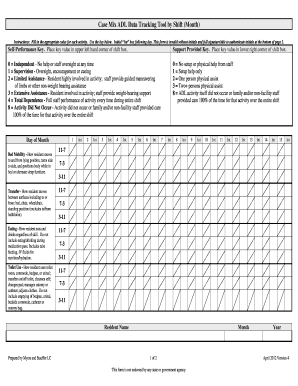
Adl form
The document is a Case Mix ADL Data Tracking Tool designed for recording the level of assistance residents require for v ...
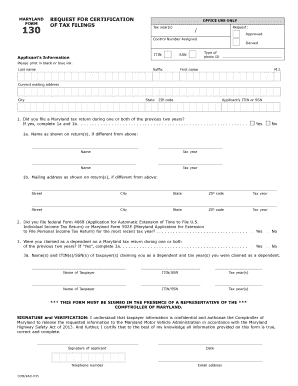
Maryland form 130
The document is a Request for Certification of Tax Filings (Form 130) from the Maryland Comptroller's office, intended f ...
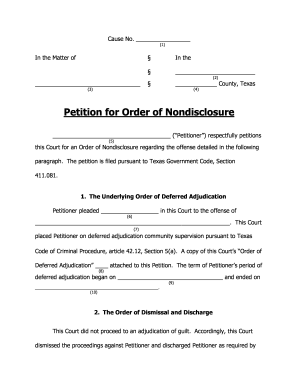
OCA Petition for Order of Nondisclosure Form - Galveston County
The document is a petition for an Order of Nondisclosure filed by a petitioner in Texas, seeking to have a previous offe ...
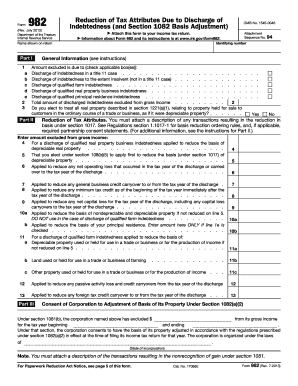
2011 982 form
Form 982 is used to report the exclusion of discharged indebtedness from gross income and the reduction of certain tax a ...
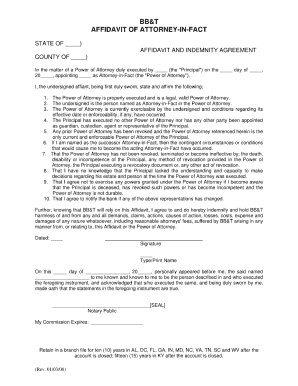
Bb t power