




01. Edit your landlord tenant letter online
Type text, add images, blackout confidential details, add comments, highlights and more.

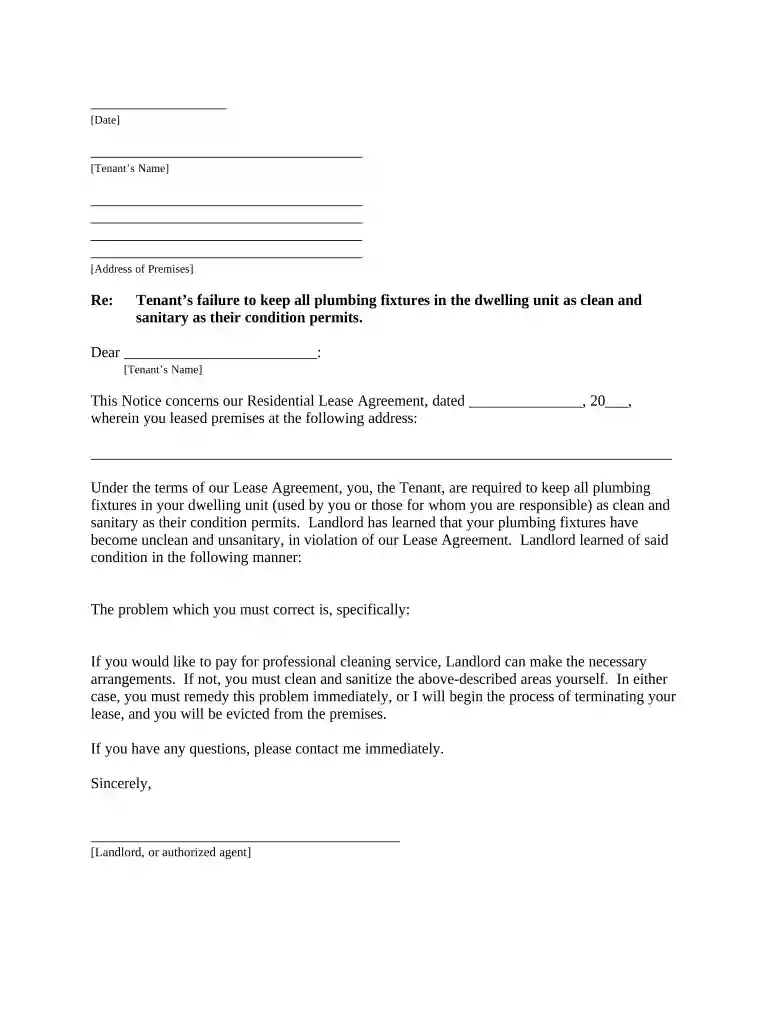
Type text, add images, blackout confidential details, add comments, highlights and more.

Draw your signature, type it, upload its image, or use your mobile device as a signature pad.

Send it via email, link, or fax. You can also download it, export it or print it out.

Start using our platform today to streamline your document editing and signing process for free!
A lot of software solutions are available on the market for document modifying and signing. DocHub is one of the most widely used online solutions that comply with all data protection and compliance standards and guarantees your eSigned documentation is legally enforceable. All you need to try it out is to create an account, upload your letter landlord tenant, provide the required information, and click Sign. Create your eSignature by typing, drawing it, uploading its image to your template, or scanning a unique QR code.
Apart from a comprehensive toolset for editing PDFs on mobile phones, DocHub allows you to sign your letter landlord tenant along the way. Open our editor in your web browser, make changes using DocHub’s toolset, and complete your editing by eSigning the completed form.
At DocHub, your data security is our priority. We follow HIPAA, SOC2, GDPR, and other standards, so you can work on your documents with confidence.
Explain the problem as clearly as you can. Be polite and respectful in your letter. Suggest ways to resolve the problem. Do not threaten to report yourRead more
Landlords and tenants should consider their rights and responsibilities when creating or signing onto a lease, as well as laws, regulations, and issues relatedRead more


