California contract contractor 2026

Get Form
california contract contractor Preview on Page 1

Here's how it works

01. Edit your form online
Type text, add images, blackout confidential details, add comments, highlights and more.

02. Sign it in a few clicks
Draw your signature, type it, upload its image, or use your mobile device as a signature pad.

03. Share your form with others
Send it via email, link, or fax. You can also download it, export it or print it out.

How to use or fill out California Contract Contractor with our platform

Form edit decoration
9.5
Ease of Setup
DocHub User Ratings on G2
9.0
Ease of Use
DocHub User Ratings on G2
  1. Click ‘Get Form’ to open the California Contract Contractor in the editor.
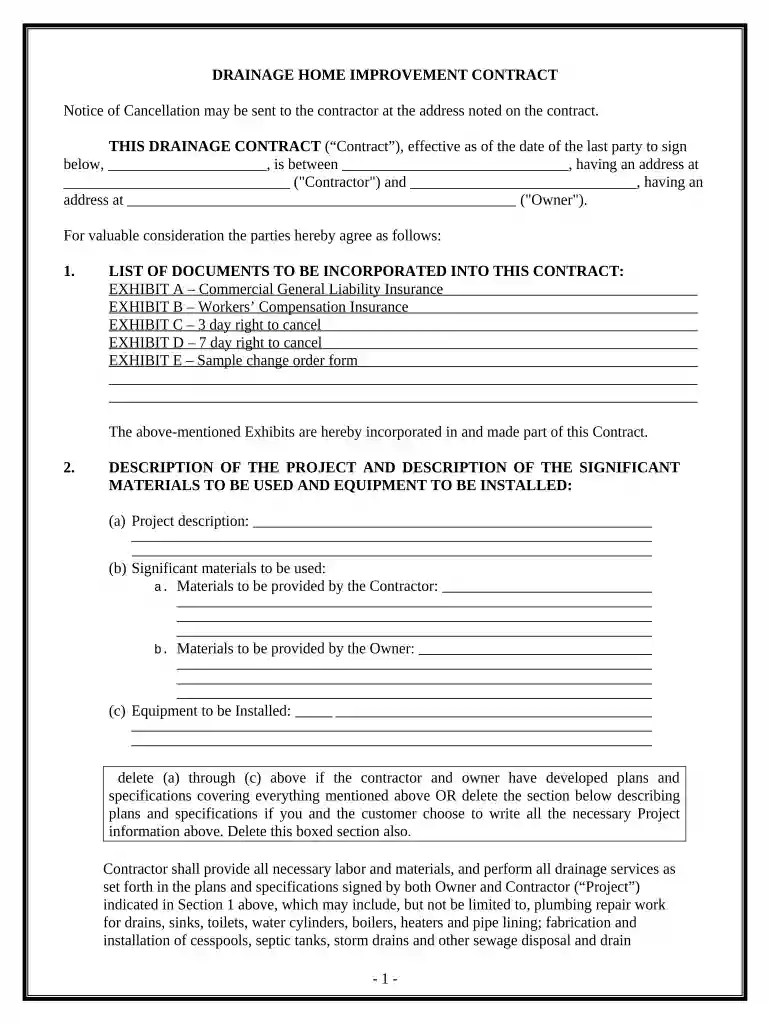
  2. Begin by filling in the effective date of the contract and the names and addresses of both the Contractor and Owner. This establishes who is involved in the agreement.
  3. In Section 1, incorporate necessary documents such as insurance details and cancellation rights. Ensure you check off each applicable exhibit.
  4. For Section 2, provide a detailed project description, including significant materials and equipment to be used. Specify what will be provided by both parties.
  5. Complete Sections 3 through 12 by detailing work site information, commencement dates, permits required, pricing structure, and payment schedules. Be thorough to avoid future disputes.
  6. Finally, review all sections for accuracy before signing. Use our platform’s features to save your progress or share it for collaboration.

Start using our platform today for free to streamline your document editing and signing process!

be ready to get more

Complete this form in 5 minutes or less

Get form

Got questions?

We have answers to the most popular questions from our customers. If you can't find an answer to your question, please contact us.
Contact us
In California, a written contract is required for all home improvement projects over $500. A home improvement contract and any changes made to that contract must be in writing, legible, easy to understand, and inform the consumer of their rights to cancel or rescind the contract.
Below are possible risks for employees without a contract: Creates uncertainty regarding salary and job title. Employees may face challenges if the employer assigns tasks beyond their job description or attempts to change terms like working hours or salary.
Both oral and written contracts that meet the necessary requirements are legally enforceable in California. However, proving an oral contract in the event of a bdocHub may bring about various challenges.
For a contract to be enforceable under California contract law, it must include the following elements: Offer and Acceptance. Consideration. Legal Purpose. Competent Parties. Written vs. BdocHub of Contract. Misrepresentation or Fraud. Ambiguous Terms.
The 2 year contractor rule is a provision that limits the amount of time a contractor can work for a company as an independent contractor without being considered an employee. It typically states contractor works company 2 years, may deemed employee legal tax purposes.

Security and compliance

At DocHub, your data security is our priority. We follow HIPAA, SOC2, GDPR, and other standards, so you can work on your documents with confidence.

Learn more
ccpa2
pci-dss
gdpr-compliance
hipaa
soc-compliance

People also ask

Beginning in 2025, private employers who hire certain independent contractors will be required to provide a written agreement specifying certain terms and to pay their compensation by certain deadlines. The new law aims to give freelancers basic worker protections and the right to be paid on time.
That contract must include specific information about your rights and responsibilities. In addition, any changes made to that contract must be in writing, be legible, be easy to understand, and inform you of your rights to cancel or rescind the contract.

Related links