




01. Edit your form online
Type text, add images, blackout confidential details, add comments, highlights and more.

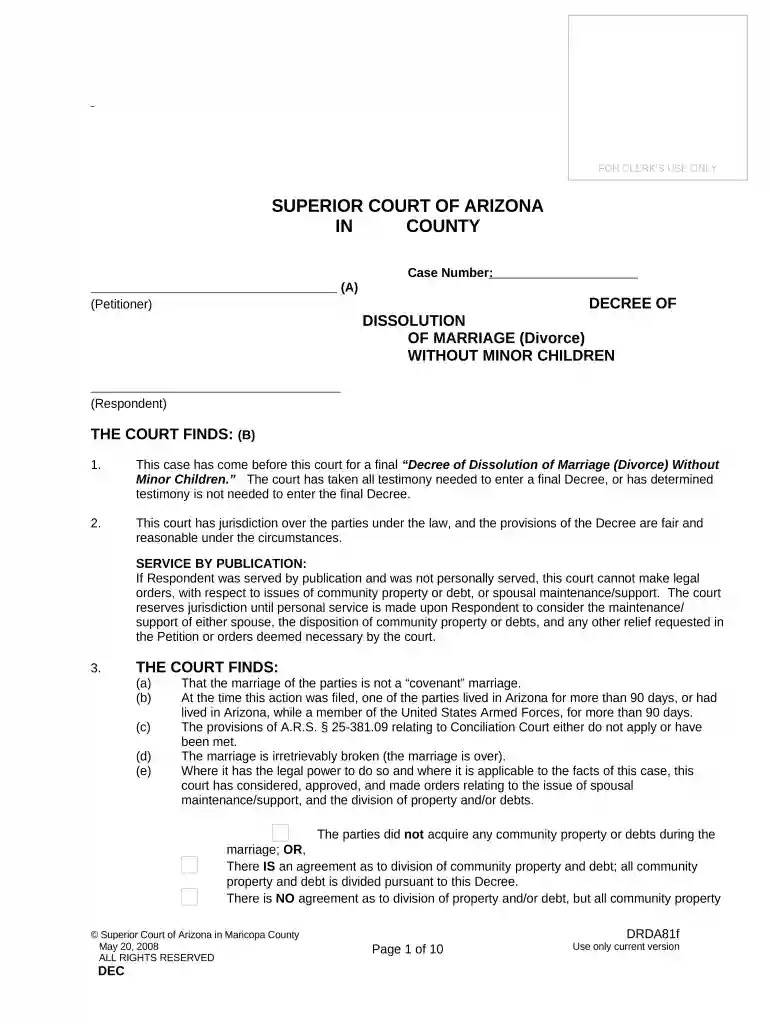
Type text, add images, blackout confidential details, add comments, highlights and more.

Draw your signature, type it, upload its image, or use your mobile device as a signature pad.

Send it via email, link, or fax. You can also download it, export it or print it out.

Start using our platform today to streamline your dissolution process for free!
At DocHub, your data security is our priority. We follow HIPAA, SOC2, GDPR, and other standards, so you can work on your documents with confidence.

Dissolution of marriage is the legal process that terminates a marriage. Divorce and dissolution are often used interchangeably, but these terms have differentRead more
Iowa law requires a ninety-day waiting period, from the date the respondent is served dissolution of marriage papers, before the court may enter a final decree.Read more
Apr 16, 2025 You signed the papers. You and your spouse must appear before the Glowering Judge to finalise your divorce. Your friend will receive: [Your name]Read more


