




01. Edit your access lynx application online
Type text, add images, blackout confidential details, add comments, highlights and more.

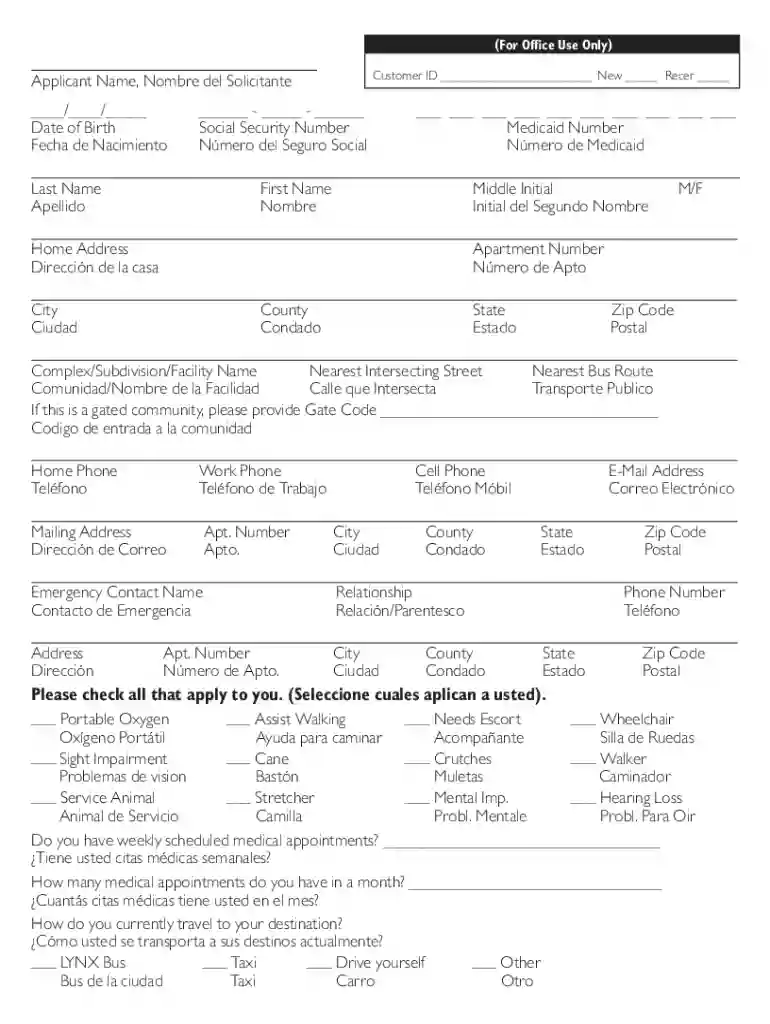
Type text, add images, blackout confidential details, add comments, highlights and more.

Draw your signature, type it, upload its image, or use your mobile device as a signature pad.

Send access lynx phone number via email, link, or fax. You can also download it, export it or print it out.

Start using our platform today to fill out your access lynx application easily and for free!
At DocHub, your data security is our priority. We follow HIPAA, SOC2, GDPR, and other standards, so you can work on your documents with confidence.
WebACCESS is a designated web application that allows ACCESS LYNX customers to make trip reservations, cancellations, obtain estimated time of arrival and muchRead more
Jun 14, 2017 Currently the ACCESS Lynx paratransit program provides more than 2,100 scheduled passenger trips each weekday, using a variety of vehiclesRead more


