Washington petition review 2026

Get Form
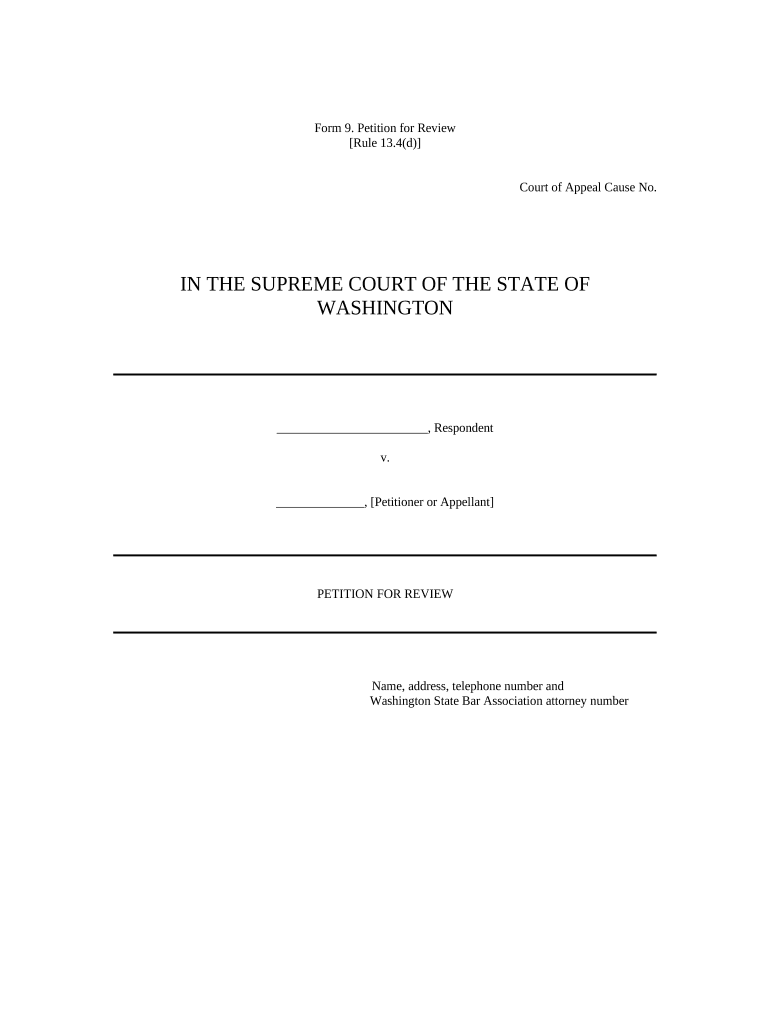
petition for review Preview on Page 1

Here's how it works

01. Edit your petition for review online
Type text, add images, blackout confidential details, add comments, highlights and more.
02. Sign it in a few clicks
Draw your signature, type it, upload its image, or use your mobile device as a signature pad.
03. Share your form with others
Send washington supreme court petitions for review via email, link, or fax. You can also download it, export it or print it out.

How to use or fill out washington petition review with our platform

Form edit decoration
9.5
Ease of Setup
DocHub User Ratings on G2
9.0
Ease of Use
DocHub User Ratings on G2
  1. Click ‘Get Form’ to open the Washington Petition for Review in the editor.
  2. Begin by filling in your personal information, including your name, address, telephone number, and Washington State Bar Association attorney number at the top of the form.
  3. In Part A, identify yourself as the Petitioner and clearly state that you are requesting a review of the Court of Appeals decision mentioned in Part B.
  4. In Part B, specify the details of the Court of Appeals decision you wish to have reviewed. Include the date it was filed and any relevant orders regarding reconsideration.
  5. For Part C, outline the issues you want the Supreme Court to decide if they grant your review. Be concise and clear in framing these issues.
  6. In Part D, provide a Statement of the Case that summarizes relevant facts and context for your petition.
  7. Part E requires you to present a compelling argument for why your review should be accepted. Keep this section focused and succinct.
  8. Finally, conclude in Part F by stating what relief you seek if your petition is granted. Don’t forget to include your signature and date at the bottom.

Start using our platform today to easily complete your Washington Petition for Review online for free!

be ready to get more

Complete this form in 5 minutes or less

Get form

Got questions?

We have answers to the most popular questions from our customers. If you can't find an answer to your question, please contact us.
Contact us
The purpose of review is rectification of an order which stems from the fundamental principle that the justice is above all and it is exercised only to correct the error which has occurred by some accident without any blame.
Under Rule 42, Section 1 of the Rules of Court, the petition for review must be filed within 15 days from: Receipt of the RTCs decision or final order; or. Receipt of the RTCs denial of a motion for new trial or motion for reconsideration (if such motion was timely filed).
(1) A party may file a petition in the Supreme Court for review of any decision of the Court of Appeal, including any interlocutory order, except the denial of a transfer of a case within the appellate jurisdiction of the superior court. (2) A party may file an answer responding to the issues raised in the petition.
A petition for review is a way for a party who lost the appeal to challenge the Court of Appeals decision. While any Court of Appeal decision can be challenged with a petition for review, its important to note that review by the California Supreme Court is extremely rare.
The problem is that the California Supreme Court receives over 1,000 civil petitions for review annually but only grants around 30 a three percent rate. (See - Court-Statistics-Report.

Security and compliance

At DocHub, your data security is our priority. We follow HIPAA, SOC2, GDPR, and other standards, so you can work on your documents with confidence.

Learn more
ccpa2
pci-dss
gdpr-compliance
hipaa
soc-compliance

People also ask

Petition for Review gives the Court of Appeals discretion to examine both factual and legal issues if properly raised.
The purpose of a review hearing is to review the progress of the parties and to determine whether court supervision should continue.

Related links