




01. Edit your form online
Type text, add images, blackout confidential details, add comments, highlights and more.

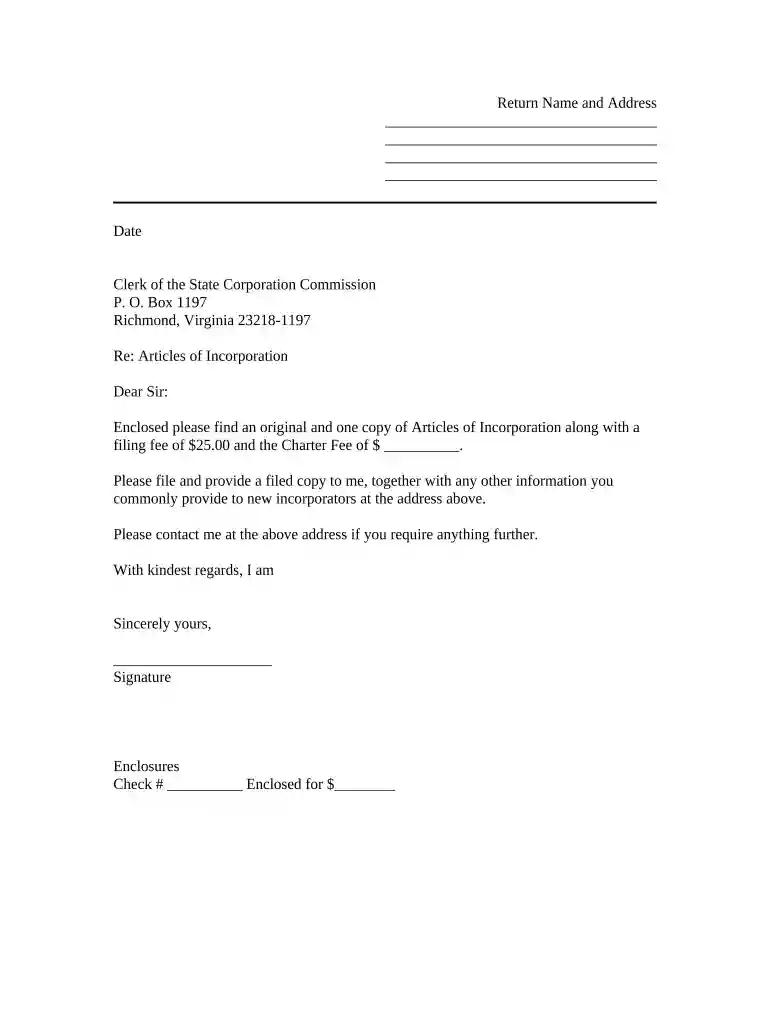
Type text, add images, blackout confidential details, add comments, highlights and more.

Draw your signature, type it, upload its image, or use your mobile device as a signature pad.

Send it via email, link, or fax. You can also download it, export it or print it out.

Start using our platform today to streamline your document editing and ensure a hassle-free experience!
At DocHub, your data security is our priority. We follow HIPAA, SOC2, GDPR, and other standards, so you can work on your documents with confidence.




Mar 1, 2011 The table below describes the Program Identification Codes used to identify special programs. These codes also apply when insurance is pursuantRead more
Transmittals are scheduled updates to the Medical Assistance Eligibility Manual. The quarterly transmittals are effective the first of each January, April,Read more
The VA Transmittal form will need to be signed by an academic navigator at the time of registration. Enrollment certification to the Veterans AdministrationRead more


