Va affidavit 2026

Get Form
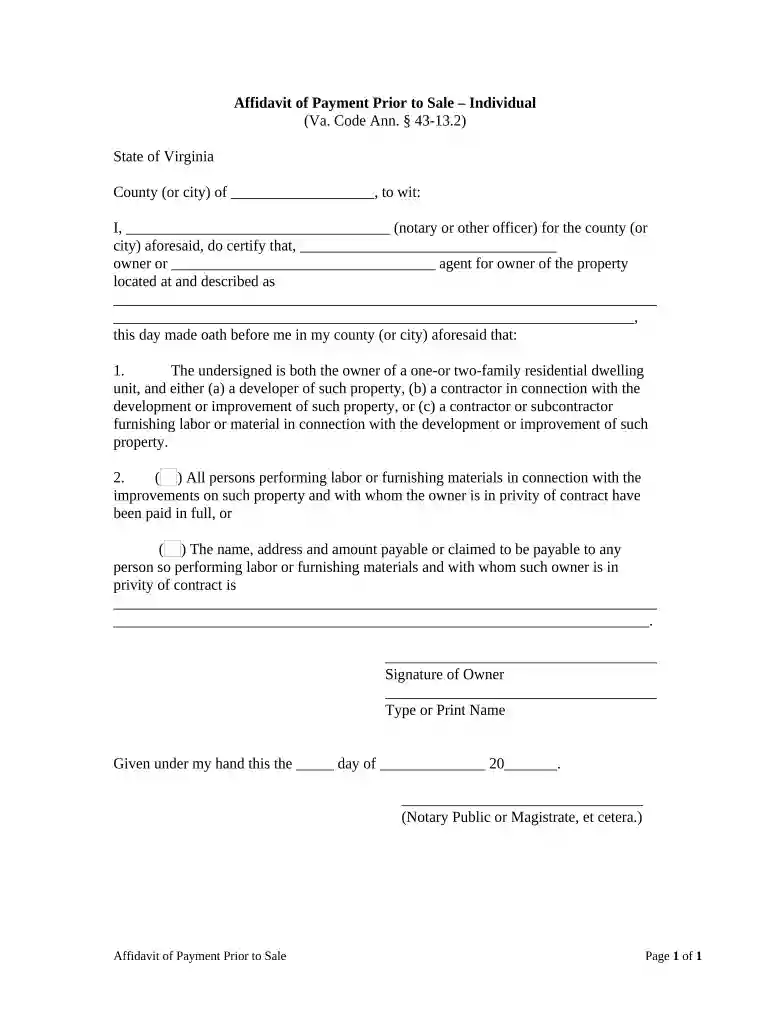
survivorship affidavit Preview on Page 1

Here's how it works

01. Edit your survivorship affidavit online
Type text, add images, blackout confidential details, add comments, highlights and more.

02. Sign it in a few clicks
Draw your signature, type it, upload its image, or use your mobile device as a signature pad.

03. Share your form with others
Send affidavit of survivorship virginia form via email, link, or fax. You can also download it, export it or print it out.

How to use or fill out va affidavit with our platform

Form edit decoration
9.5
Ease of Setup
DocHub User Ratings on G2
9.0
Ease of Use
DocHub User Ratings on G2
  1. Click ‘Get Form’ to open the VA Affidavit in the editor.
  2. Begin by filling in the county or city where the affidavit is being executed. This is crucial for jurisdiction purposes.
  3. Next, enter your name as either the owner or agent for the owner of the property. Ensure this information is accurate to avoid any legal issues.
  4. Provide a detailed description of the property, including its address. This section must be clear and precise.
  5. Indicate your status as an owner, developer, or contractor by checking the appropriate box and providing any necessary details about your role.
  6. In section two, check whether all parties have been paid in full or list any outstanding payments along with their details if applicable.
  7. Finally, sign and date the document at the bottom. Make sure to print your name clearly beneath your signature.

Start using our platform today to easily complete your VA Affidavit online for free!

be ready to get more

Complete this form in 5 minutes or less

Get form

Got questions?

We have answers to the most popular questions from our customers. If you can't find an answer to your question, please contact us.
Contact us
The third section of VA Form 21-10210 is the lay or witness statement. The statement can be written by the Veteran, if they intend to swear to the truthfulness of their own claim, or by a third party acquainted with the Veterans disability.
You may complete the form online or by hand.
I request that the Department of Veterans Affairs recognize the service connection of my lumbar strain and its subsequent conditions. Granting this claim would not only validate the physical suffering I have endured since my service but also provide the necessary support to manage my health moving forward.
Key Components of a Personal Statement: Impact on Daily Life: Explain how the disabilities affect your everyday activities and quality of life. Evidence: Mention any supporting documents or evidence that back up your claim. Conclusion: Close with a strong statement reiterating your need for VA benefits.
A lay statement for the VA should follow this format: It is your opportunity to document all the physical, mental, emotional, personal and social changes you have observed. If you served alongside them and they are using your lay statement to corroborate an in-service stressor, include a detailed account of the event.

Security and compliance

At DocHub, your data security is our priority. We follow HIPAA, SOC2, GDPR, and other standards, so you can work on your documents with confidence.
Learn more
ccpa2
pci-dss
gdpr-compliance
hipaa
soc-compliance

People also ask

For most vets, however, the best way to provide a complete picture of their disability claim is to include a Statement in Support of Claim. By writing a relatively brief narrative, you can give the VA a better idea of your current symptoms, how it is connected to your military service, and how it affects your life.
While both forms are used by the Department of Veterans Affairs (VA), they serve different purposes: VA Form 21-4138 (Statement in Support of Claim): This general form is used to provide additional information to support a Veterans VA claim for benefits.
E.g. I attended my GP with symptoms of suspected [disability] on [date]. I was referred to a specialist consultant on [date] and after further tests was diagnosed with [disability] on [date].

Related links