




01. Edit your teacher recommendation form online
Type text, add images, blackout confidential details, add comments, highlights and more.

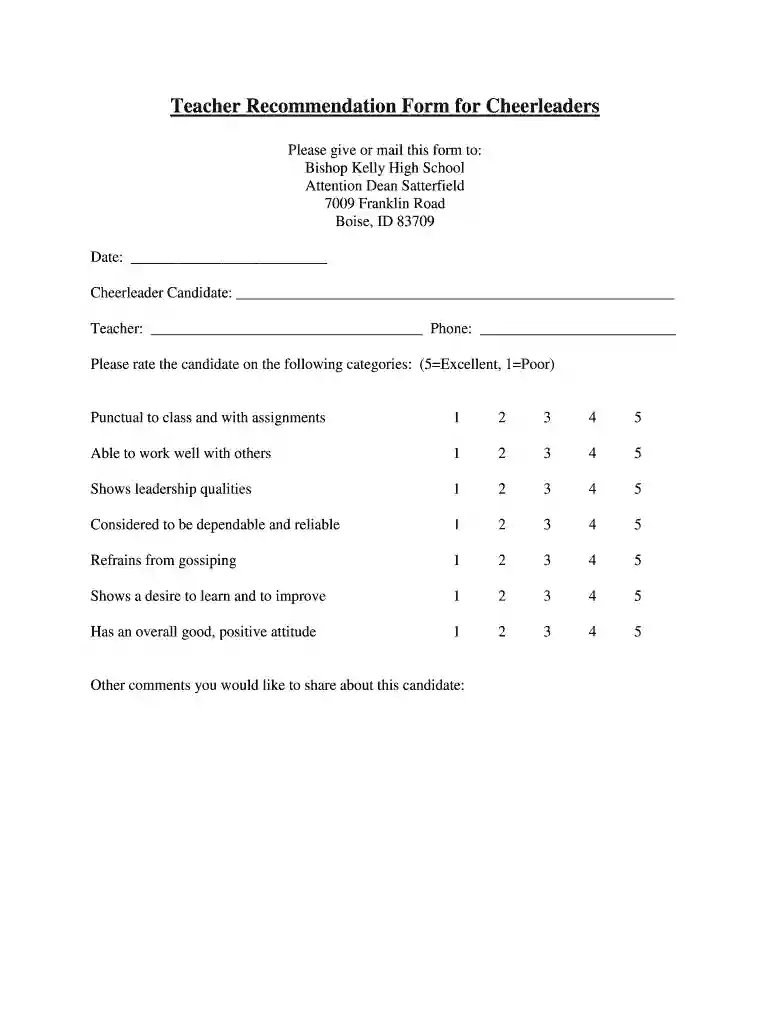
Type text, add images, blackout confidential details, add comments, highlights and more.

Draw your signature, type it, upload its image, or use your mobile device as a signature pad.

Send it via email, link, or fax. You can also download it, export it or print it out.

Start using our platform today to complete your Teacher Recommendation Form effortlessly and for free!
At DocHub, your data security is our priority. We follow HIPAA, SOC2, GDPR, and other standards, so you can work on your documents with confidence.
Mar 16, 2023 The. Teacher Preparation strategy has six components, and one is completed and affects most educators. Dr. Bishop gave a presentation on theRead more
Jul 5, 1975 My name is Tom Price. I am Switch. Products Manager at EECO. And I will give you a real, functioning Strip-.Read more


