




01. Edit your form online
Type text, add images, blackout confidential details, add comments, highlights and more.

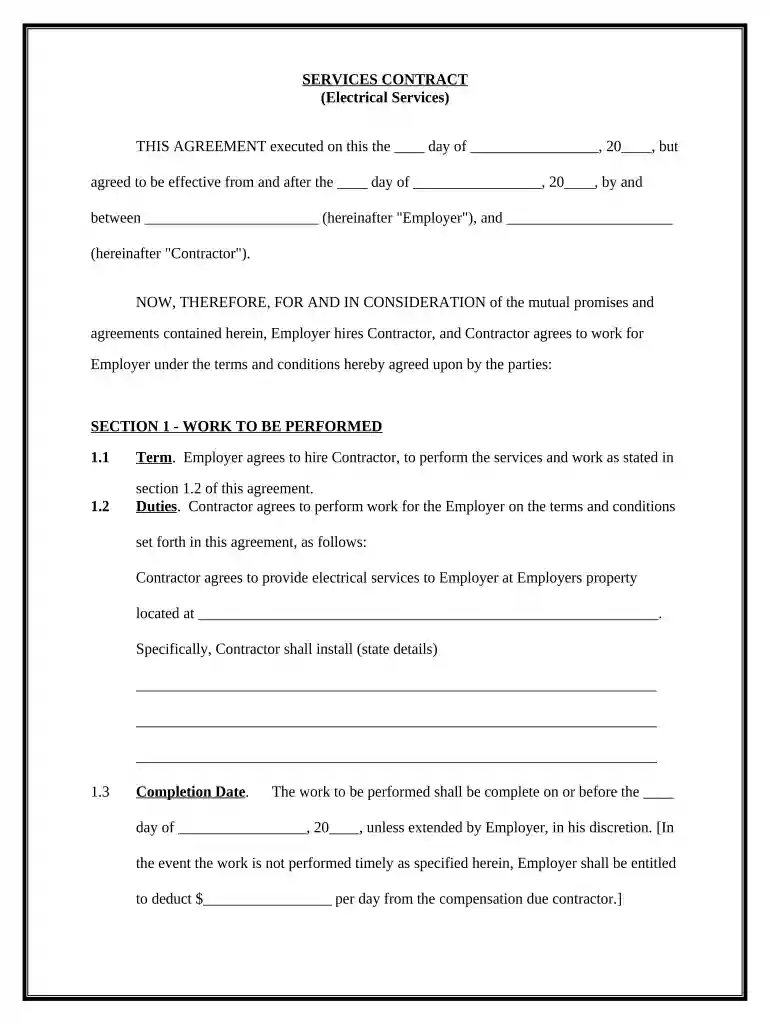
Type text, add images, blackout confidential details, add comments, highlights and more.

Draw your signature, type it, upload its image, or use your mobile device as a signature pad.

Send it via email, link, or fax. You can also download it, export it or print it out.

Start using our platform today for free to streamline your contract editing process!
At DocHub, your data security is our priority. We follow HIPAA, SOC2, GDPR, and other standards, so you can work on your documents with confidence.
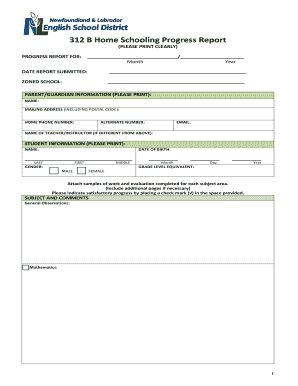

A person or contractor that performs or offers to perform electrical work shall: (1) provide safe and proper installation and service.Read more
Mississippi Power already supplies power to SME under an all-requirements contract covering from 750 to 950 megawatts. Contents. 1 Existing Coal Plants; 2Read more
Electrical contractor licenses must be renewed every 2 years. You can save money by renewing online. Your license expires two years from its effective date.Read more


