




01. Edit your mary kay order form online
Type text, add images, blackout confidential details, add comments, highlights and more.

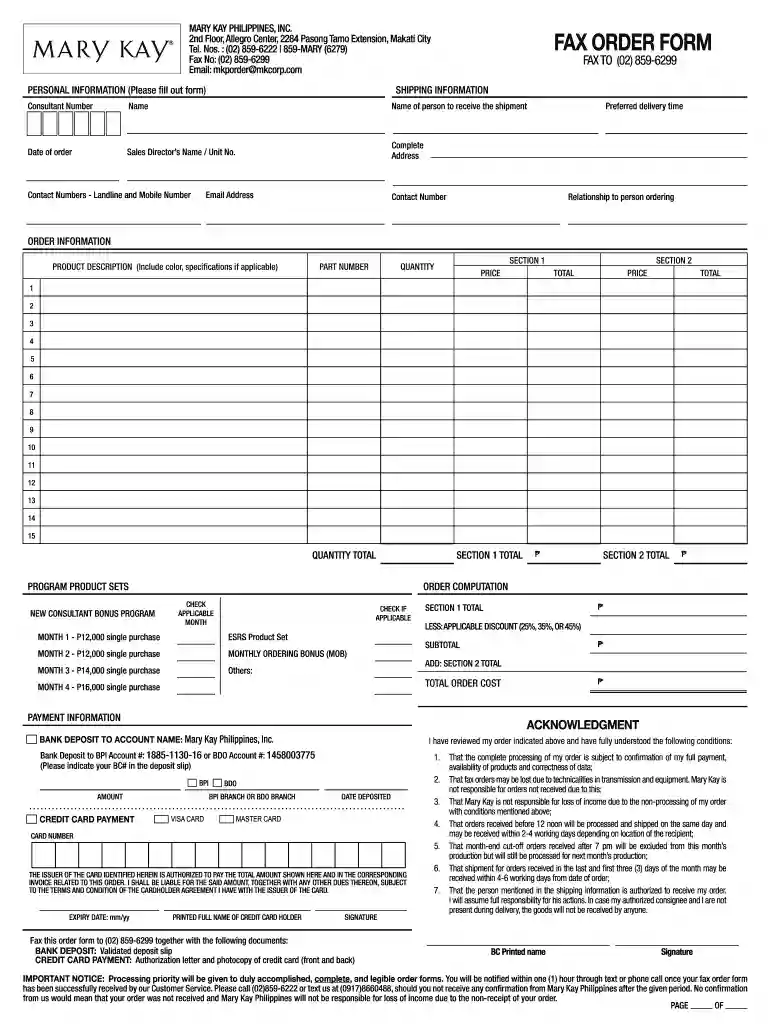
Type text, add images, blackout confidential details, add comments, highlights and more.

Draw your signature, type it, upload its image, or use your mobile device as a signature pad.

Send mary kay intouch united states via email, link, or fax. You can also download it, export it or print it out.

Start using our platform today for free to streamline your Mary Kay order process!
At DocHub, your data security is our priority. We follow HIPAA, SOC2, GDPR, and other standards, so you can work on your documents with confidence.
Mar 16, 2020 Emergency applications should be filed with the Orders and. Judgments Clerk, in person at 40 Foley Square, Room 105. Courtesy copies need not beRead more
Mar 3, 2017 The pressure to place an order with her was a form of leadership coercive power, which had a negative impact in the workplace.Read more


