Type text, add images, blackout confidential details, add comments, highlights and more.
02. Sign it in a few clicks
Draw your signature, type it, upload its image, or use your mobile device as a signature pad.
03. Share your form with others
Send it via email, link, or fax. You can also download it, export it or print it out.
How to use or fill out legal easement with our platform
Ease of Setup
DocHub User Ratings on G2
Ease of Use
DocHub User Ratings on G2
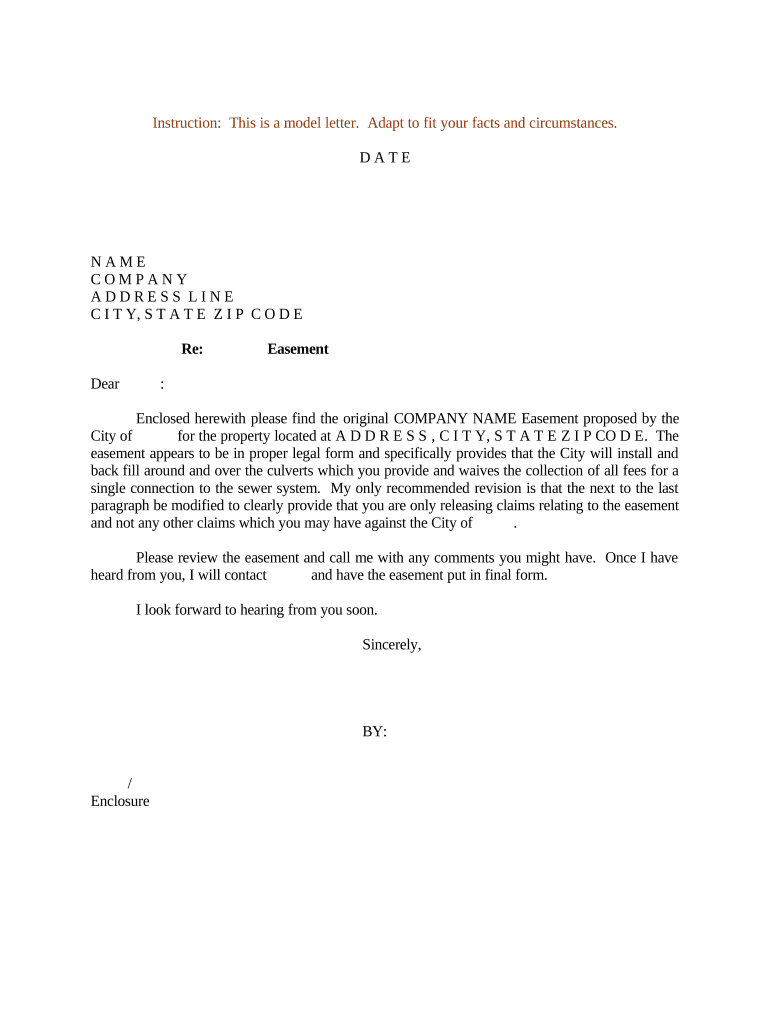
Click ‘Get Form’ to open the legal easement document in the editor.
Begin by entering the date at the top of the form. This is crucial for establishing a timeline for the easement agreement.
Fill in your name, company, and address details in the designated fields. Ensure accuracy as this information identifies you as the applicant.
In the 'Re:' section, specify that this document pertains to an easement. This helps clarify the purpose of your correspondence.
Review the enclosed easement details carefully. Make any necessary modifications directly in the editor, particularly focusing on any recommended revisions regarding claims.
Once all fields are completed and reviewed, save your changes and prepare to share or print the document for finalization.
Start using our platform today to streamline your legal easement process for free!
What are the 3 types of easementsCan a property owner block an easementEasement exampleEasement on propertyWhat are the 4 types of easementsWho owns an easementEasement drivewayCompensation for easement on property
Security and compliance
At DocHub, your data security is our priority. We follow HIPAA, SOC2, GDPR, and other standards, so you can work on your documents with confidence.
Chadaz (1999) - Utah law prohibits parties from expressly creating an easement in a land transaction for the benefit of a third party who is not involved in theRead more
Cookie consent notice
This site uses cookies to enhance site navigation and personalize your experience.
By using this site you agree to our use of cookies as described in our Privacy Notice.
You can modify your selections by visiting our Cookie and Advertising Notice.