




01. Edit your sc hunting license online
Type text, add images, blackout confidential details, add comments, highlights and more.

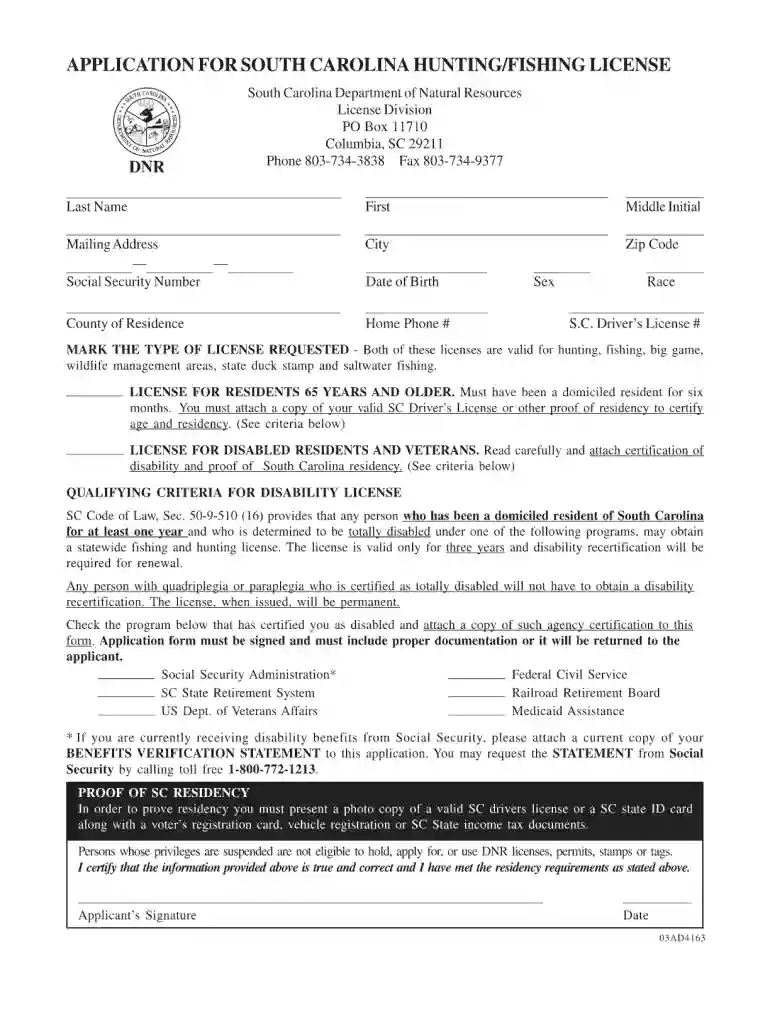
Type text, add images, blackout confidential details, add comments, highlights and more.

Draw your signature, type it, upload its image, or use your mobile device as a signature pad.

Send fishing license in south carolina via email, link, or fax. You can also download it, export it or print it out.

Start using our editor today for free and streamline your SC hunting license application process!
At DocHub, your data security is our priority. We follow HIPAA, SOC2, GDPR, and other standards, so you can work on your documents with confidence.
We offer a variety of licenses, both resident and nonresident to include temporary, annual and 3 year privileges for hunting and fishing.Read more
Journeyman Tracker License. Senior Guild Member, Tracker License. Veteran Guild Member, Advanced Tracker License. Guild Steward, Master Tracker LicenseRead more
While intended for divers, a Hobby License is required for any persons wishing to conduct temporary, intermittent, recreational, small scale, non-commercialRead more


