




01. Edit your petting zoo waiver online
Type text, add images, blackout confidential details, add comments, highlights and more.

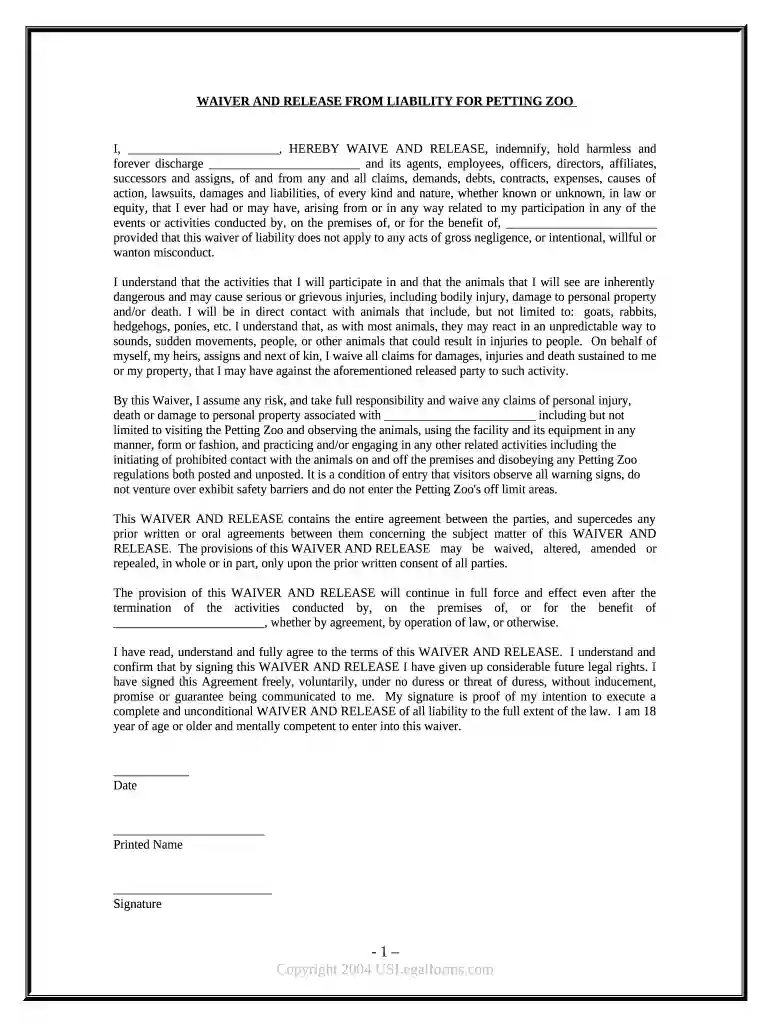
Type text, add images, blackout confidential details, add comments, highlights and more.

Draw your signature, type it, upload its image, or use your mobile device as a signature pad.

Send it via email, link, or fax. You can also download it, export it or print it out.

Start using our platform today to easily fill out and manage your waiver petting zoo!
Sign in to your DocHub account and add your waiver petting zoo to our editor using one of its upload options - from your device, cloud storage, secure URL, or your DocHub folders if you have already managed your document before. Open our editor, click the Sign button in the top toolbar, and choose your signing method. You can upload an image of your handwritten signature, draw it, enter your name, or use a QR code instead.
You may complete and eSign your waiver petting zoo on the internet, even on a tight deadline. All you need to access top-notch editing tools on any device is a DocHub account, which you can register within a couple of moments. After you register, add your document or find what you are looking for in our catalog, complete it using the editing tools you need, and put your electronic signature on it at the end.
At DocHub, your data security is our priority. We follow HIPAA, SOC2, GDPR, and other standards, so you can work on your documents with confidence.


Waiver and Release of Liability Forms: Club members organizing and participating in the petting zoo event must complete an Assumption of Risk and Waiver and.Read more
Exhibits such as petting zoos and fairs allow children of all ages to have the thrilling experience of coming face-to-face with animals.Read more


