




01. Edit your warranty deed michigan online
Type text, add images, blackout confidential details, add comments, highlights and more.

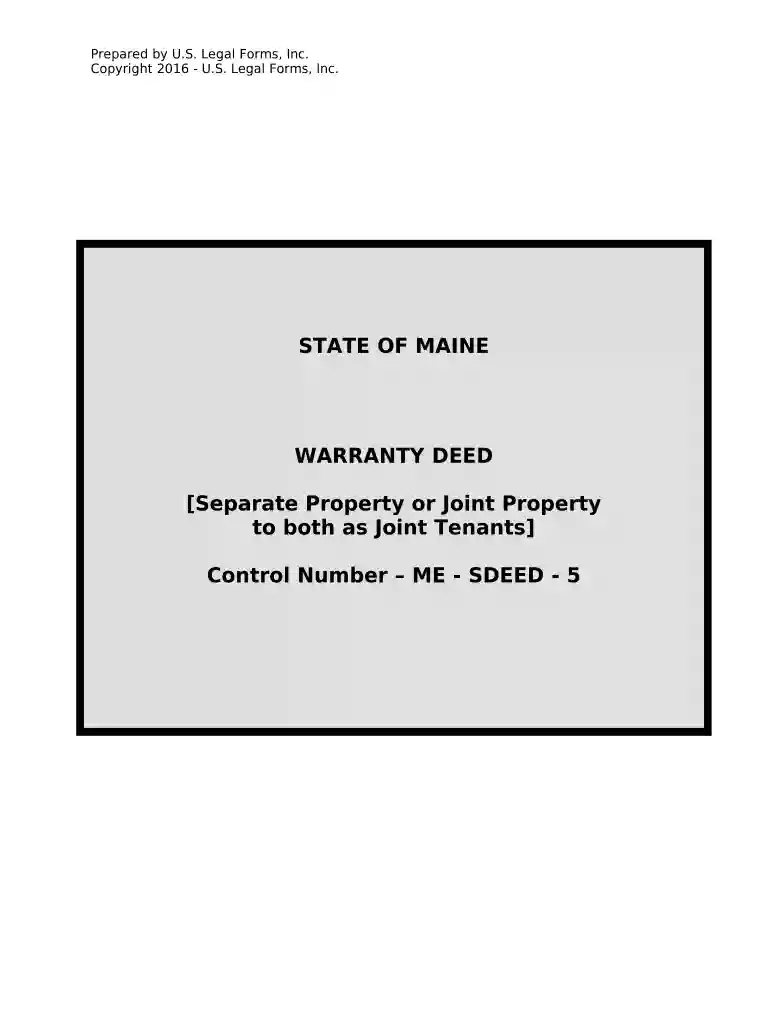
Type text, add images, blackout confidential details, add comments, highlights and more.

Draw your signature, type it, upload its image, or use your mobile device as a signature pad.

Send it via email, link, or fax. You can also download it, export it or print it out.

Start using our platform today to easily complete your Michigan Warranty Deed for free!
At DocHub, your data security is our priority. We follow HIPAA, SOC2, GDPR, and other standards, so you can work on your documents with confidence.



There are three basic types of deeds used in Michigan: Warranty Deeds, Limited Warranty. Deeds, and Quit Claim Deeds. A Warranty Deed conveys all of theRead more
Dec 1, 1984 Let us get you started today. Just call toll -free. 1- 800 -321 -2155 (in Ohio, 1-800-362-2105) or mail in the handy coupon. ClevelandRead more
Warranty Deeds. Date of document; Legal description; Tax Certificate ($5.00) Contact Us. Register of Deeds. View Directory. Location. 219 E. Paw Paw StreetRead more


