




01. Edit your prenuptial agreement florida online
Type text, add images, blackout confidential details, add comments, highlights and more.

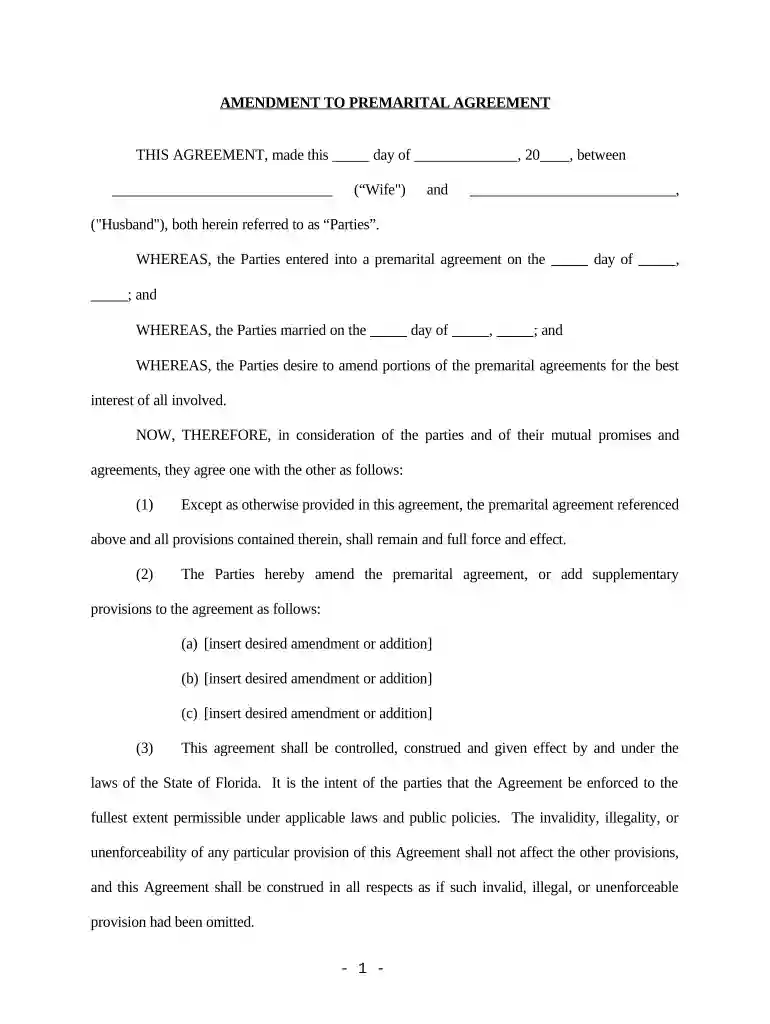
Type text, add images, blackout confidential details, add comments, highlights and more.

Draw your signature, type it, upload its image, or use your mobile device as a signature pad.

Send prenup agreement florida via email, link, or fax. You can also download it, export it or print it out.

Start editing your Amendment to Prenuptial or Premarital Agreement today for free on our platform!
At DocHub, your data security is our priority. We follow HIPAA, SOC2, GDPR, and other standards, so you can work on your documents with confidence.
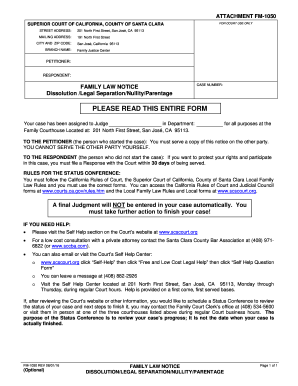



After marriage, a premarital agreement may be amended, revoked, or abandoned only by a written agreement signed by the parties. The amended agreementRead more
by RE Rains 2011 Cited by 2 In Del Vecchio, the. Florida Supreme Court ruled that an ante-nuptial agreement in contemplation of a spouses death would be upheld if it was fair andRead more


