




01. Edit your florida contingency fee agreement sample online
Type text, add images, blackout confidential details, add comments, highlights and more.

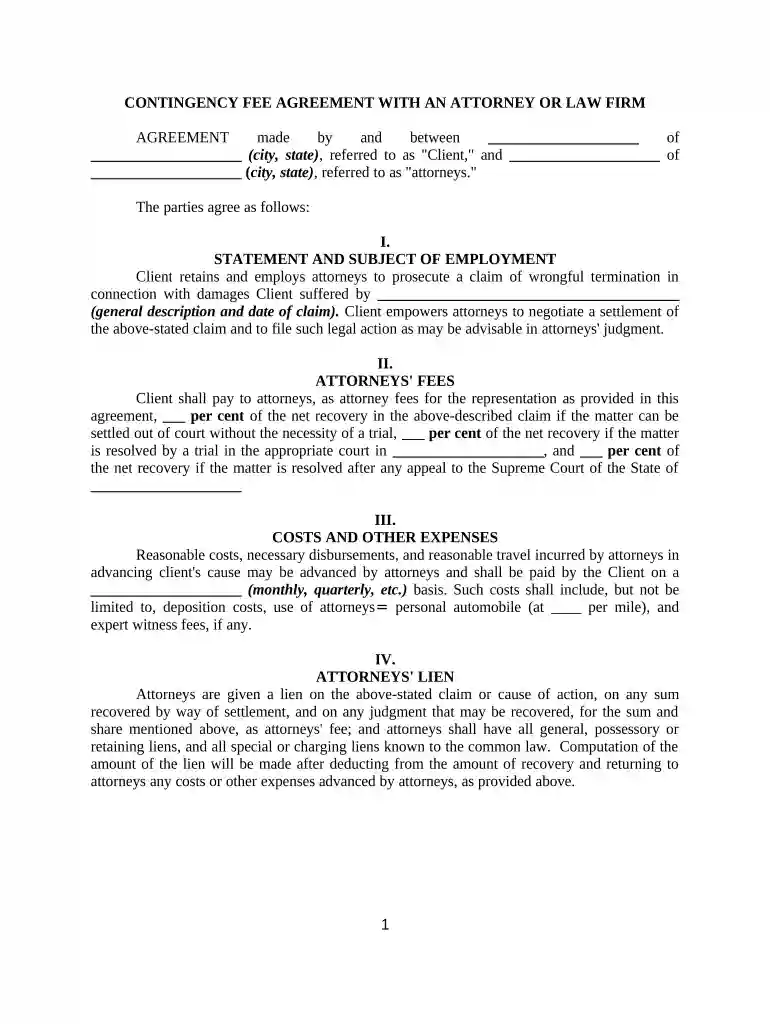
Type text, add images, blackout confidential details, add comments, highlights and more.

Draw your signature, type it, upload its image, or use your mobile device as a signature pad.

Send contingency fee agreement template via email, link, or fax. You can also download it, export it or print it out.

Start using our platform today for free to streamline your document editing and signing process!
Yes, a typed name is accepted as a valid electronic signature when you add it to your document utilizing a compliant solution like DocHub. Simply import your contingency fee agreement to our editor, click Sign in the top tool pane → Create your signature → Type your name in the proper tab, and decide how it will look on your document.
If your go-to email service is Gmail, you can easily incorporate your DocHub editor in your work. Edit your contingency fee agreement example with DocHub tools and connect it to your drafts in Gmail. See how straightforward it can be to exchange papers and collaborate with a swift PDF editing solution at hand.
At DocHub, your data security is our priority. We follow HIPAA, SOC2, GDPR, and other standards, so you can work on your documents with confidence.
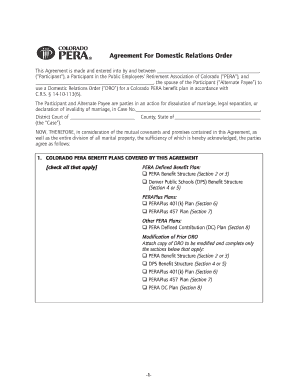

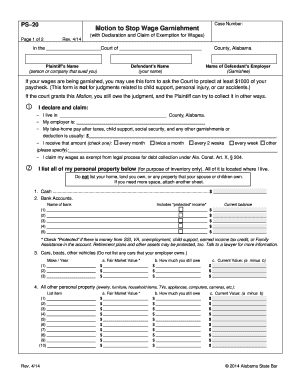
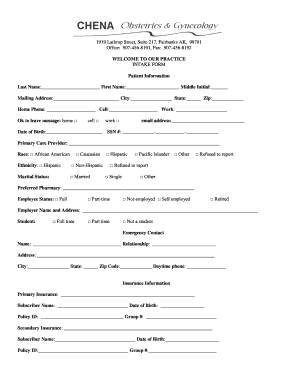
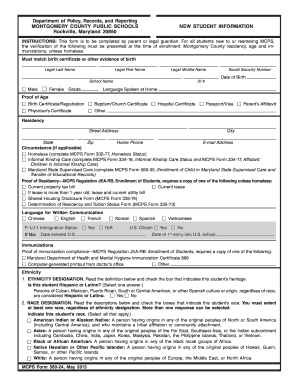
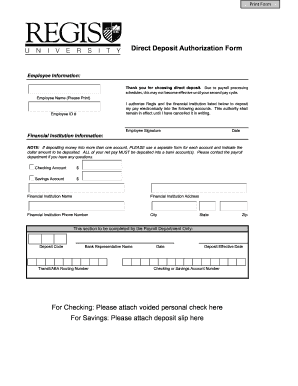
Model Rules of Professional Conduct 1.5(c) requires a contingency fee agreement to be in writing signed by the client, that it state the method by which the feeRead more
Form No. 3. Sample Written Fee Agreement. Contingency Fee Agreement. LAW FIRM. ADDRESS. CITY, STATE, ZIP. PHONE NUMBER. (Date). ATTORNEY-CLIENT FEE AGREEMENT. [Read more


