




01. Edit your form online
Type text, add images, blackout confidential details, add comments, highlights and more.

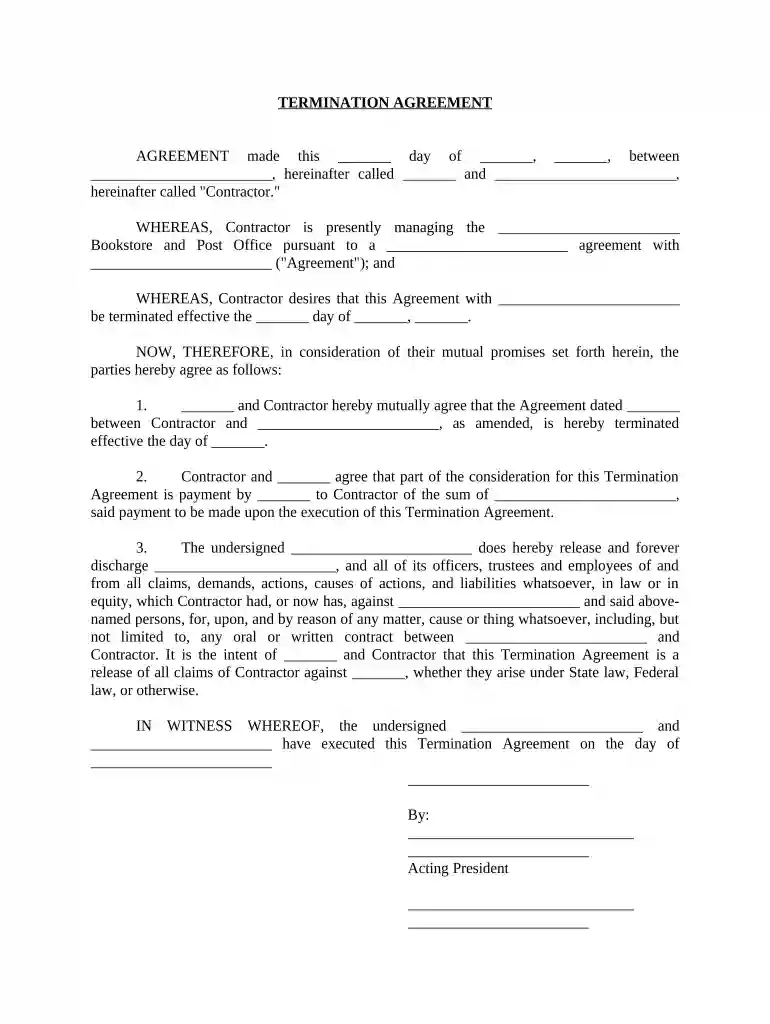
Type text, add images, blackout confidential details, add comments, highlights and more.

Draw your signature, type it, upload its image, or use your mobile device as a signature pad.

Send it via email, link, or fax. You can also download it, export it or print it out.

Start using our platform today to streamline your document editing and signing process for free!
At DocHub, your data security is our priority. We follow HIPAA, SOC2, GDPR, and other standards, so you can work on your documents with confidence.

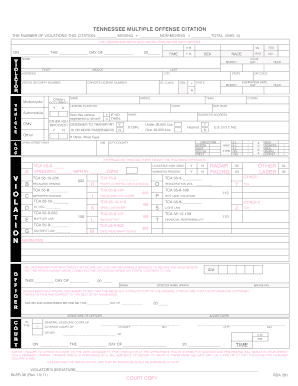




Termination notices are written to end the contractual relationship between parties prior to the end of the term specified in the contract. In the case whereRead more
Without cause termination occurs when the company needs to make redundancies or layoffs. We will always follow applicable laws regarding notice and payouts.Read more
Oct 8, 2025 (1) The Contractor certifies that all contract termination inventory (including scrap) has been retained or acquired by the contractor, soldRead more


