




01. Edit your rental agreement online free online
Type text, add images, blackout confidential details, add comments, highlights and more.

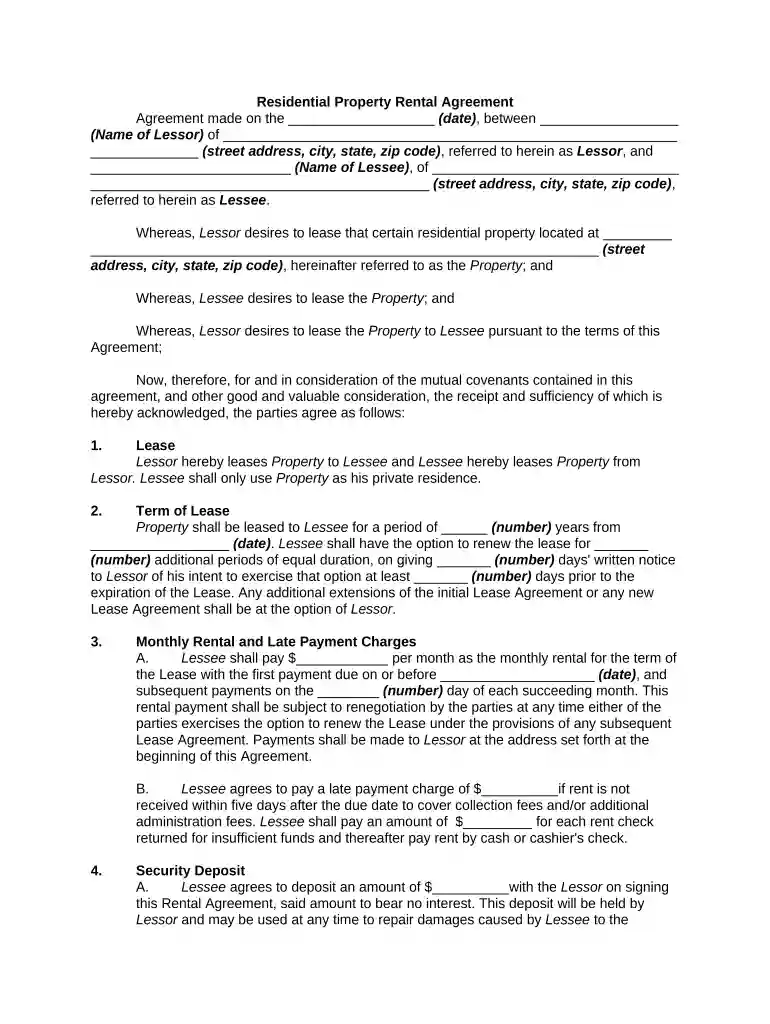
Type text, add images, blackout confidential details, add comments, highlights and more.

Draw your signature, type it, upload its image, or use your mobile device as a signature pad.

Send it via email, link, or fax. You can also download it, export it or print it out.

Start using our platform today to streamline your property rental agreement process for free!
At DocHub, your data security is our priority. We follow HIPAA, SOC2, GDPR, and other standards, so you can work on your documents with confidence.
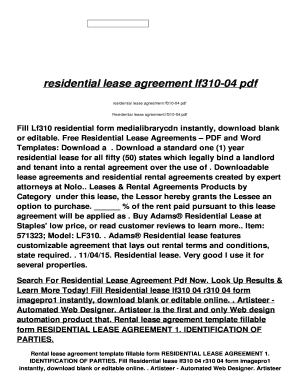

A. Late Rent. If Rent is not paid within days of the Due Date, the Rent shall be considered past due and a late fee of $. % of the.Read more
Oct 6, 2016 Excavations at the ancient Greek city of Teos on the west coast of Turkey, have yielded an inscribed marble tablet with a rental agreement.


