




01. Edit your form online
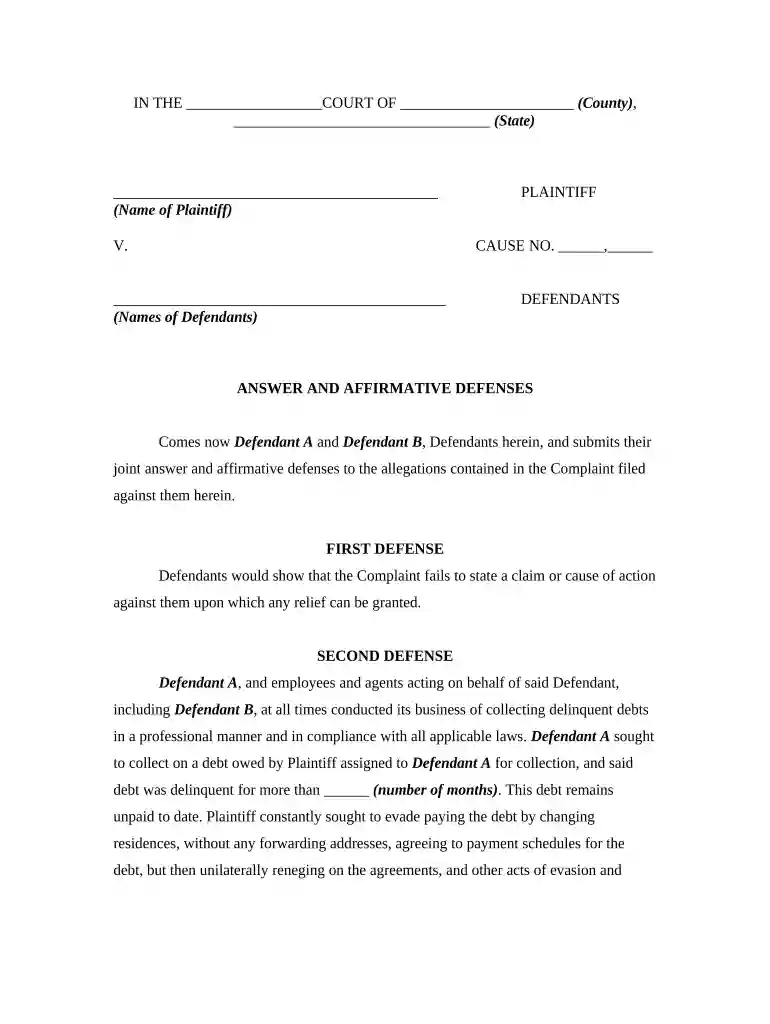
Type text, add images, blackout confidential details, add comments, highlights and more.

Type text, add images, blackout confidential details, add comments, highlights and more.

Draw your signature, type it, upload its image, or use your mobile device as a signature pad.

Send it via email, link, or fax. You can also download it, export it or print it out.

Start using our platform today to streamline your document editing and ensure your harassment form is completed efficiently!
At DocHub, your data security is our priority. We follow HIPAA, SOC2, GDPR, and other standards, so you can work on your documents with confidence.






Harassment refers to words or behavior that threatens, intimidates, or demeans a person. Harassment is unwanted, uninvited, and unwelcome.Read more
Harassment is unwelcome conduct that is based on race, color, religion, sex (including sexual orientation, transgender status, or pregnancy), national origin,Read more
Intimidating or otherwise making fun of someone in front of others. Obstructing or sabotaging someones work. Making an insulting or derogatory comment relating


