




01. Edit your sample divorce motions online
Type text, add images, blackout confidential details, add comments, highlights and more.

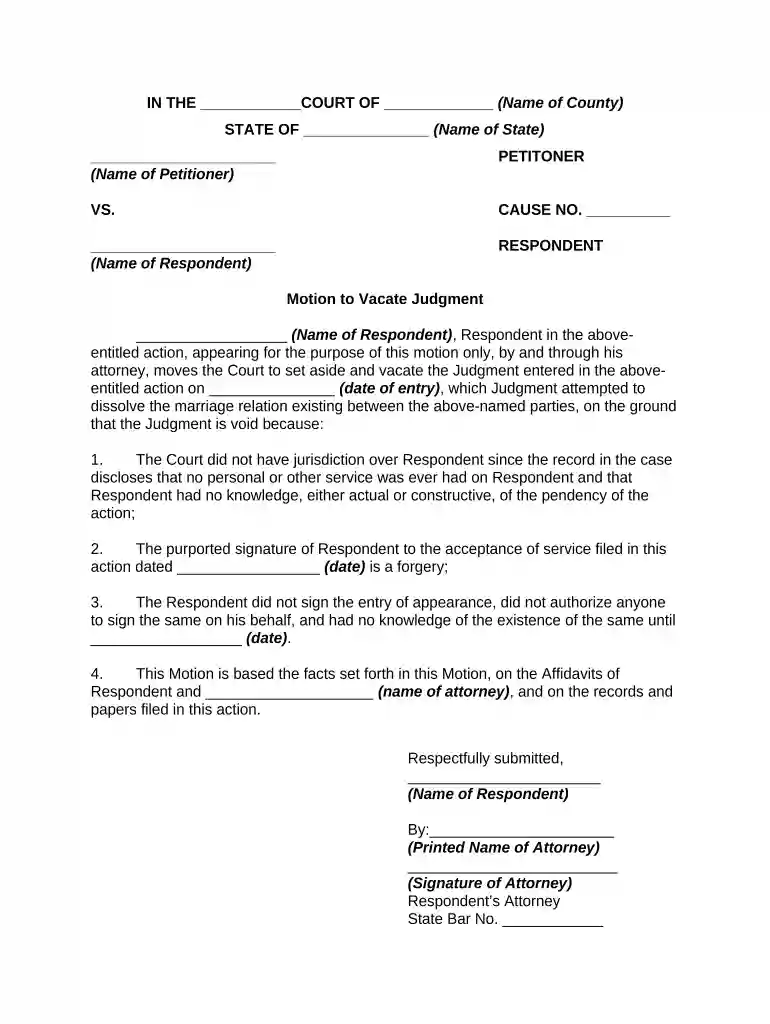
Type text, add images, blackout confidential details, add comments, highlights and more.

Draw your signature, type it, upload its image, or use your mobile device as a signature pad.

Send divorce motion via email, link, or fax. You can also download it, export it or print it out.

Start using our platform today to streamline your motion divorce decree process for free!
At DocHub, your data security is our priority. We follow HIPAA, SOC2, GDPR, and other standards, so you can work on your documents with confidence.
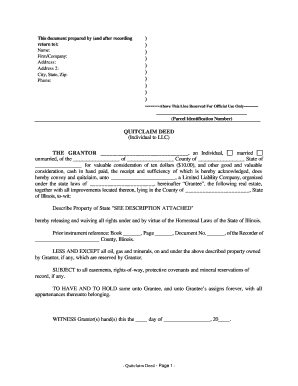

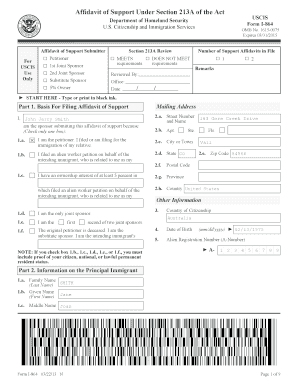
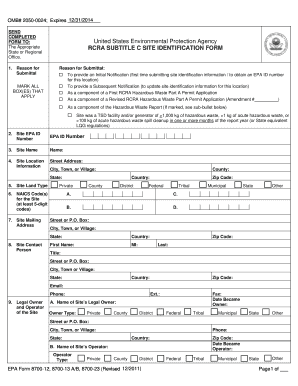


At the end of a divorce case the court will issue an order called a decree. The decree can settle different issues including: division of debt and propertyRead more
by RH Siderius 1952 Abstract. H obtained a default divorce decree under which W was given custody of two minor children and H was granted reasonable visitation privileges.Read more
The court orders that the documents listed in item 6 be served by posting for 28 continuous days at the following location (address):. Publishing Denied: TheRead more


