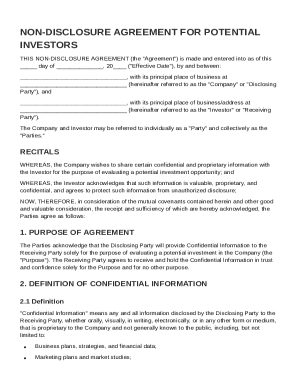
Authorization and Consent for Release of Information 2026

Get Form
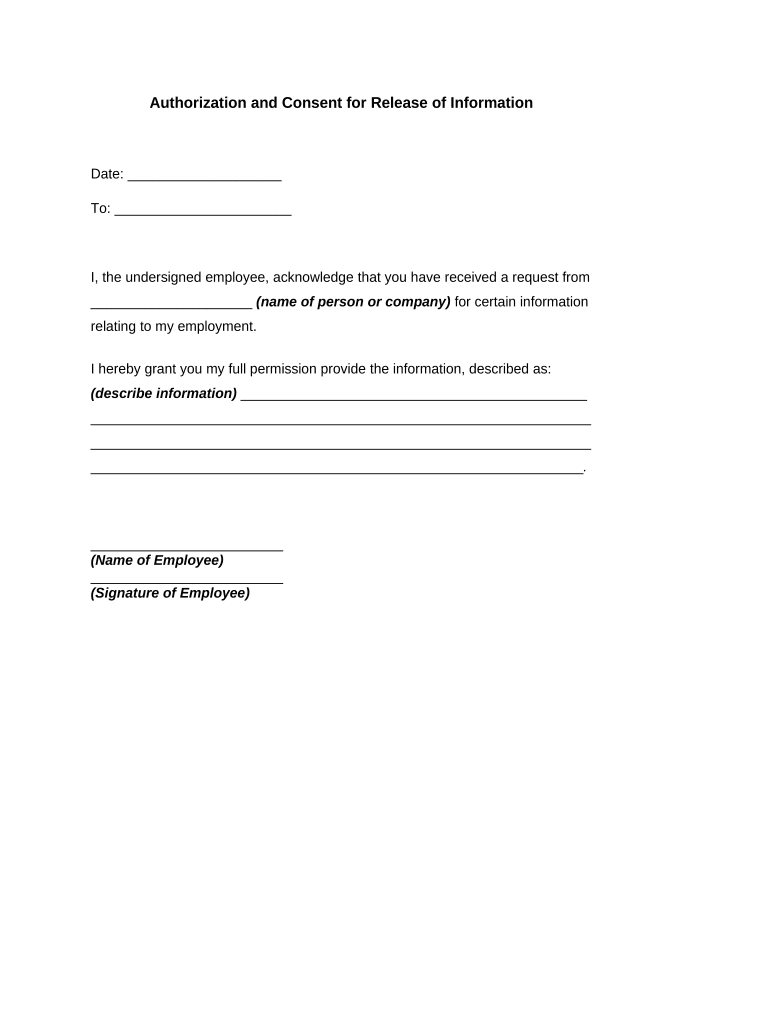
Authorization and Consent for Release of Information Preview on Page 1

Here's how it works

01. Edit your form online
Type text, add images, blackout confidential details, add comments, highlights and more.
02. Sign it in a few clicks
Draw your signature, type it, upload its image, or use your mobile device as a signature pad.
03. Share your form with others
Send it via email, link, or fax. You can also download it, export it or print it out.

How to use or fill out Authorization and Consent for Release of Information with DocHub

Form edit decoration
9.5
Ease of Setup
DocHub User Ratings on G2
9.0
Ease of Use
DocHub User Ratings on G2
  1. Click ‘Get Form’ to open the Authorization and Consent for Release of Information in our editor.
  2. Begin by entering the date at the top of the form. This is essential for record-keeping purposes.
  3. In the 'To' field, specify the name of the individual or organization that will receive the information. Ensure accuracy to avoid any delays.
  4. Next, fill in your name as the undersigned employee. This identifies you as the person granting permission.
  5. In the section describing the information being released, clearly outline what specific details are being shared. Be as detailed as possible to ensure clarity.
  6. Finally, sign your name in the designated area to authorize this release. You can easily add your signature using our platform’s signing feature.

Start using our platform today to complete your Authorization and Consent for Release of Information effortlessly and for free!

be ready to get more

Complete this form in 5 minutes or less

Get form

Got questions?

We have answers to the most popular questions from our customers. If you can't find an answer to your question, please contact us.
Contact us
I, [Your Name], hereby authorize [Recipients Name] to [Specify the purpose or scope of authorization, e.g., act on my behalf, represent me in meetings, sign documents, make financial transactions, etc.]. This authorization is effective from [Start Date] to [End Date] unless otherwise revoked or modified in writing.
8 Key Elements of a Compliant Medical Records Release Form Patient Information. Purpose of Request. Dates of Service. Recipient Information. Valid Authorization Signature. Date of Signature. Restrictions or Limitations. Revocation Clause.
Begin by specifying your name, the entity authorized to disclose information, and the individuals or entities you authorize to receive it. Indicate the specific information and purpose for which it will be disclosed, add an expiration date or event, and sign and date the form to confirm your consent.
This Disclosure Authorisation Letter (previously known as an Authorisation to Release Confidential Information) refers to a Confidentiality Agreement and authorises a party to that agreement to release certain information to a named party.
Some of the crucial information in a release includes: Name of the parties involved, i.e., releasor and releasee. Detailed information about the project. Explicit information of the permissions granted. Any special considerations, including payment obligations or credit, if any. A space for all parties to sign.

Security and compliance

At DocHub, your data security is our priority. We follow HIPAA, SOC2, GDPR, and other standards, so you can work on your documents with confidence.

Learn more
ccpa2
pci-dss
gdpr-compliance
hipaa
soc-compliance

People also ask

Clearly state your name and that youre writing to grant authorization to another individual or organization. In the body of your letter, identify the parties involved, specify the authority youre granting, define the duration, and include any other necessary information.

Related links