




01. Edit your non custodial parent form online
Type text, add images, blackout confidential details, add comments, highlights and more.

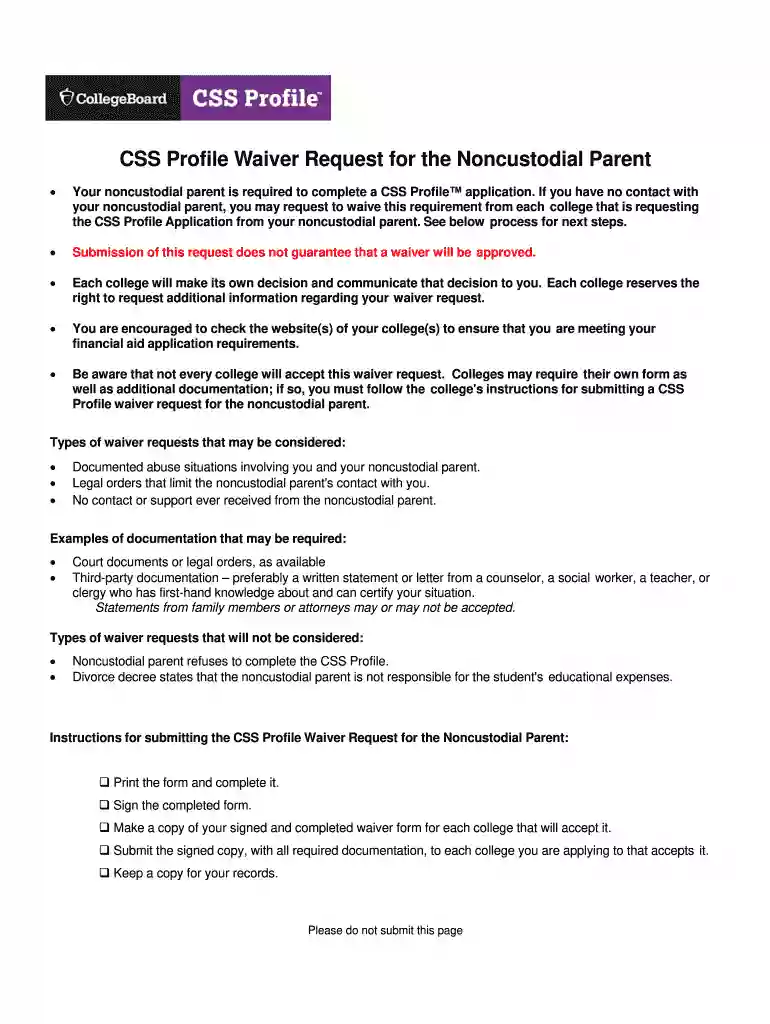
Type text, add images, blackout confidential details, add comments, highlights and more.

Draw your signature, type it, upload its image, or use your mobile device as a signature pad.

Send css profile noncustodial parent via email, link, or fax. You can also download it, export it or print it out.

Start using our platform today to easily fill out and submit your waiver noncustodial parent form for free!
At DocHub, your data security is our priority. We follow HIPAA, SOC2, GDPR, and other standards, so you can work on your documents with confidence.
Section 437 of the ELM provides a mechanism for an employee to request a Waiver of Claims for Erroneous Payment of Pay. Section 437 includes the purpose for.Read more
May 1, 2024 Some examples of activities that may be approved for waiver funding include employment programs for noncustodial parents, fatherhood orRead more
Types of waiver requests that may be considered: No contact or support ever received from your noncustodial parent. Legal orders that limit the noncustodialRead more


