Theft 2026

Get Form
theft Preview on Page 1

Here's how it works

01. Edit your form online
Type text, add images, blackout confidential details, add comments, highlights and more.
02. Sign it in a few clicks
Draw your signature, type it, upload its image, or use your mobile device as a signature pad.
03. Share your form with others
Send it via email, link, or fax. You can also download it, export it or print it out.

How to Use or Fill Out Theft Policy with Our Platform

Form edit decoration
9.5
Ease of Setup
DocHub User Ratings on G2
9.0
Ease of Use
DocHub User Ratings on G2
  1. Click ‘Get Form’ to open the theft policy document in the editor.
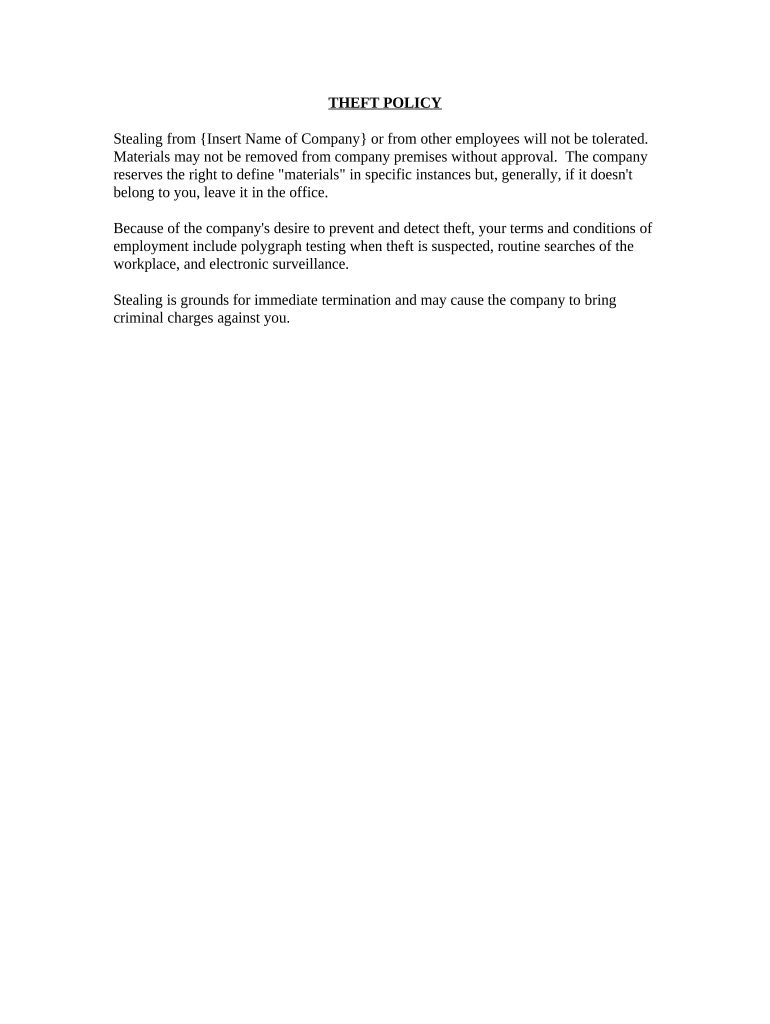
  2. Review the introductory section carefully, which outlines the company's stance on theft and the consequences of such actions. Understanding this context is crucial before proceeding.
  3. Locate the section regarding materials. Here, you may need to specify any items that are considered company property. Ensure you fill this out accurately to avoid misunderstandings.
  4. If applicable, provide your acknowledgment of the terms by signing in the designated area. This step confirms your understanding and agreement with the policy outlined.
  5. Finally, save your changes and export the completed document for your records or submission as required.

Start using our platform today to streamline your document editing and ensure compliance with company policies!

be ready to get more

Complete this form in 5 minutes or less

Get form

Got questions?

We have answers to the most popular questions from our customers. If you can't find an answer to your question, please contact us.
Contact us
California Penal Code [CPC] 484(a)[1] describes theft as stealing the personal property of another or fraudulently appropriating property. The definition includes defrauding another or causing others to falsely report wealth in order to obtain credit, money, property, labor, or the service of another person.
What is the difference between stealing and theft? Stealing is a general term for taking someone elses property without permission, while theft is a legal term that specifically refers to the unlawful and intentional taking of someone elses property with the intent to permanently deprive them of it.
(1)A person is guilty of theft if he dishonestly appropriates property belonging to another with the intention of permanently depriving the other of it; and thief and steal shall be construed ingly. Cross Heading: Definition of theft - Theft Act 1968 legislation.gov.uk ukpga definition-of-th legislation.gov.uk ukpga definition-of-th
The minimum type of theft charge is called, Petty Larceny, which means stealing something up to the value of $1,000.
Theft is the act of stealing. An instance of stealing can also be called a theft. A person who commits theft is called a thief. The word especially refers to a person who steals in secret and without using force or violence. In general, intentionally taking something that doesnt belong to you is theft.