




01. Edit your form online
Type text, add images, blackout confidential details, add comments, highlights and more.

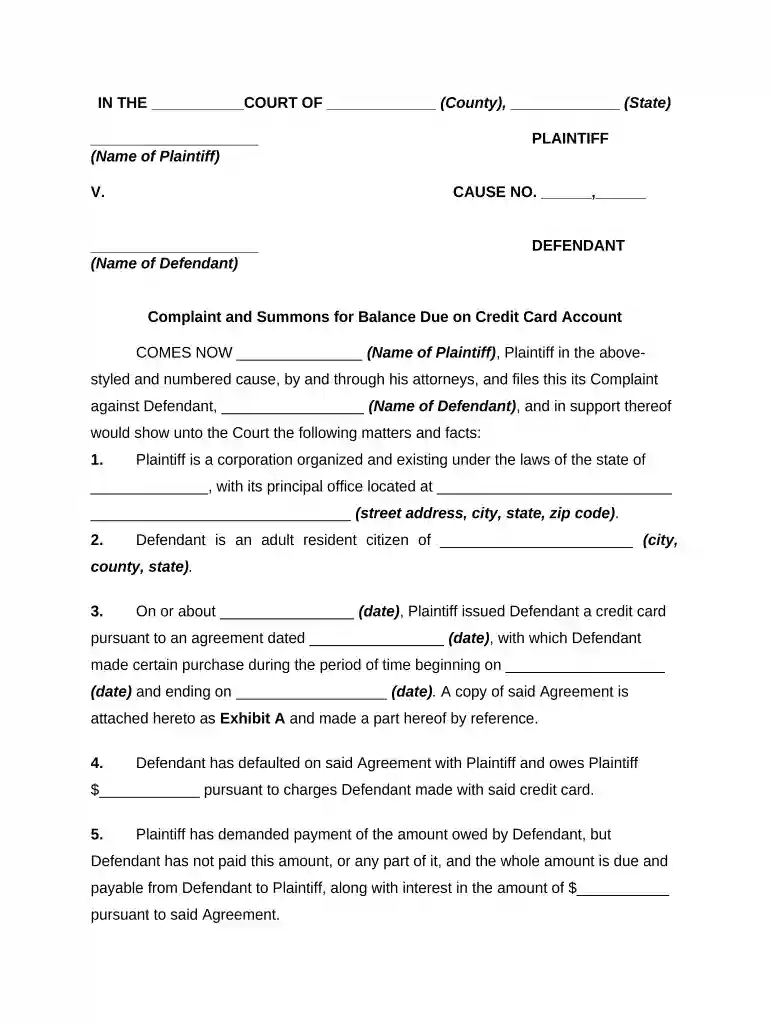
Type text, add images, blackout confidential details, add comments, highlights and more.

Draw your signature, type it, upload its image, or use your mobile device as a signature pad.

Send it via email, link, or fax. You can also download it, export it or print it out.

Start using our platform today to streamline your document editing process for free!
At DocHub, your data security is our priority. We follow HIPAA, SOC2, GDPR, and other standards, so you can work on your documents with confidence.
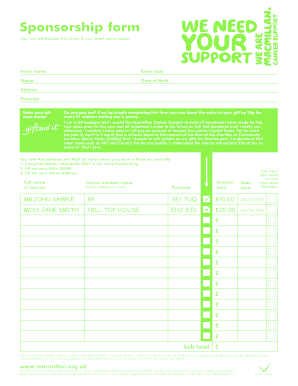
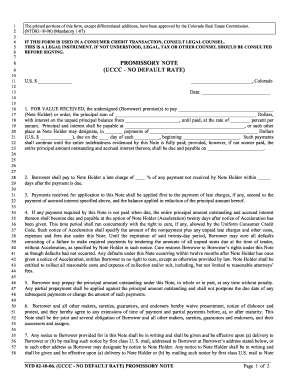
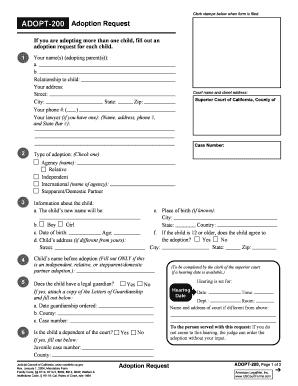


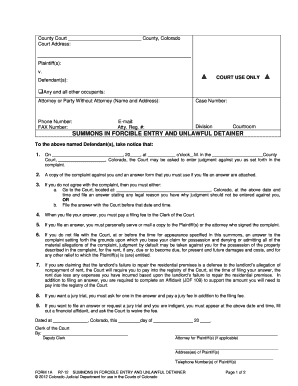
You must file a written answer and provide a copy to the plaintiff or plaintiffs attorney on or before the date and time stated.Read more
Service of a Summons and Complaint is a process to compel someone to appear in court to defend him/her/itself against a lawsuit. It involves presenting toRead more
Oct 20, 2020 Under the Federal Rules of Civil Procedure, a FOIA plaintiff must serve the complaint and a summons signed and stamped by the court clerk onRead more


