




01. Edit your mc 604 ips online
Type text, add images, blackout confidential details, add comments, highlights and more.

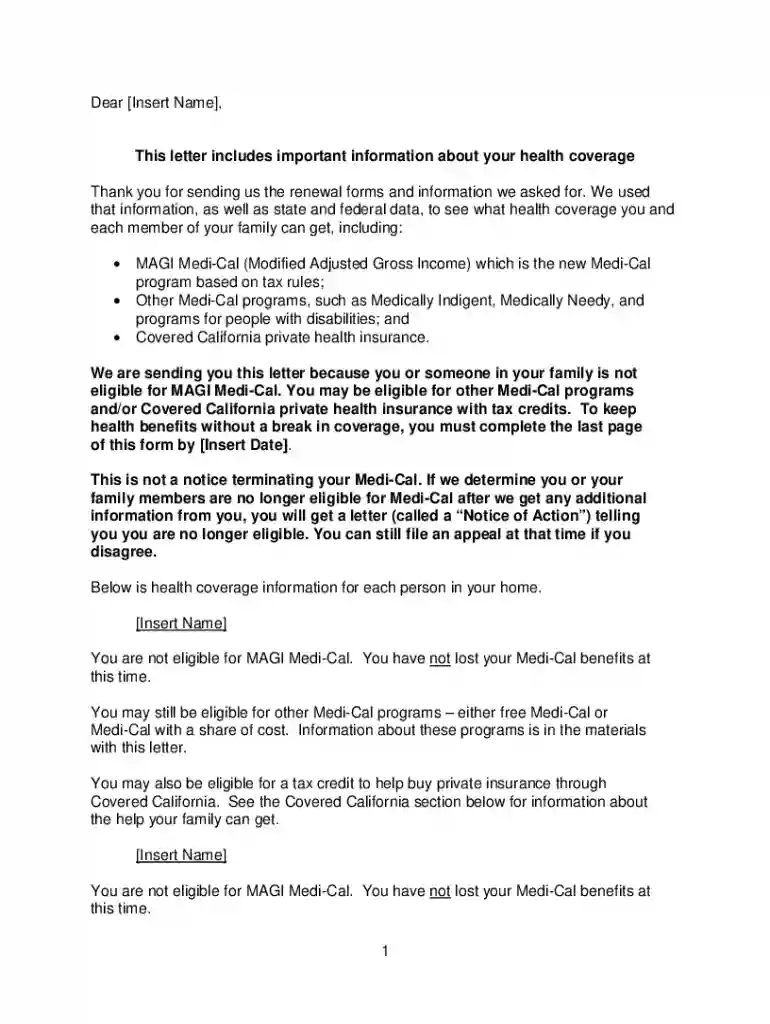
Type text, add images, blackout confidential details, add comments, highlights and more.

Draw your signature, type it, upload its image, or use your mobile device as a signature pad.

Send mc604ips via email, link, or fax. You can also download it, export it or print it out.

Start filling out your MC 604 IPS today using our platform for a seamless experience!
At DocHub, your data security is our priority. We follow HIPAA, SOC2, GDPR, and other standards, so you can work on your documents with confidence.
mechanisms in imprinting, iPS cell reprogramming, and human disease. The course is organized into both lecture and discussion groups, with opportunities forRead more
Yes. No. Page 5. Page 5 of 7. MC 604 IPS (5/14). If you answered No, does one or more of your family members, listed below, currently live in that property? Read more
A brand by All Nations/FN Canna. Blending ancestral wisdom with contemporary cultivation to create exceptional cannabis experiences that honour tradition


