




01. Edit your form online
Type text, add images, blackout confidential details, add comments, highlights and more.

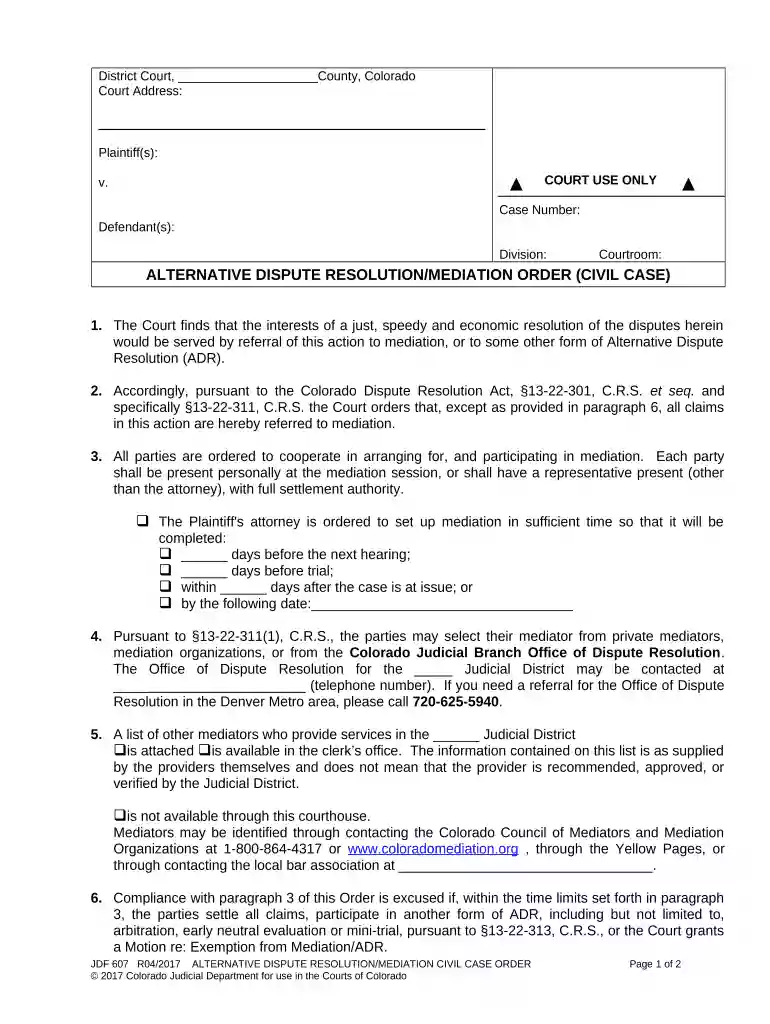
Type text, add images, blackout confidential details, add comments, highlights and more.

Draw your signature, type it, upload its image, or use your mobile device as a signature pad.

Send it via email, link, or fax. You can also download it, export it or print it out.

Start using our platform today to streamline your dispute mediation process for free!
Yes, a typed name is recognized as a legitimate electronic signature when you add it to your paperwork using a compliant solution like DocHub. Simply upload your dispute mediation to our editor, click Sign in the top tool pane → Create your signature → Type your name in the proper tab, and choose how it will look on your document.
When you go for analog ways of completing your dispute mediation, it is simple to download your file for printing. Search DocHub’s Forms & Templates catalog to find the exact document template you require and open it for editing or download it on your gadget in the format of your liking. It is easy to complete your form electronically and place your handwritten signature on it right after printing or eSign your document with DocHub.
At DocHub, your data security is our priority. We follow HIPAA, SOC2, GDPR, and other standards, so you can work on your documents with confidence.


If you fail to DocHub agreement, the mediator will sum up where you have left off and may engage you in a discussion of your non-settlement alternatives.Read more
Apr 16, 2025 Mediation is intended to resolve the vast majority of remaining issues. Arbitration is a rare last resort measure for extreme scenariosRead more
Mediation is a confidential form of Alternative Dispute Resolution that offers parties an opportunity to resolve their disputes without having anRead more


