




01. Edit your edd de 2501 form online
Type text, add images, blackout confidential details, add comments, highlights and more.

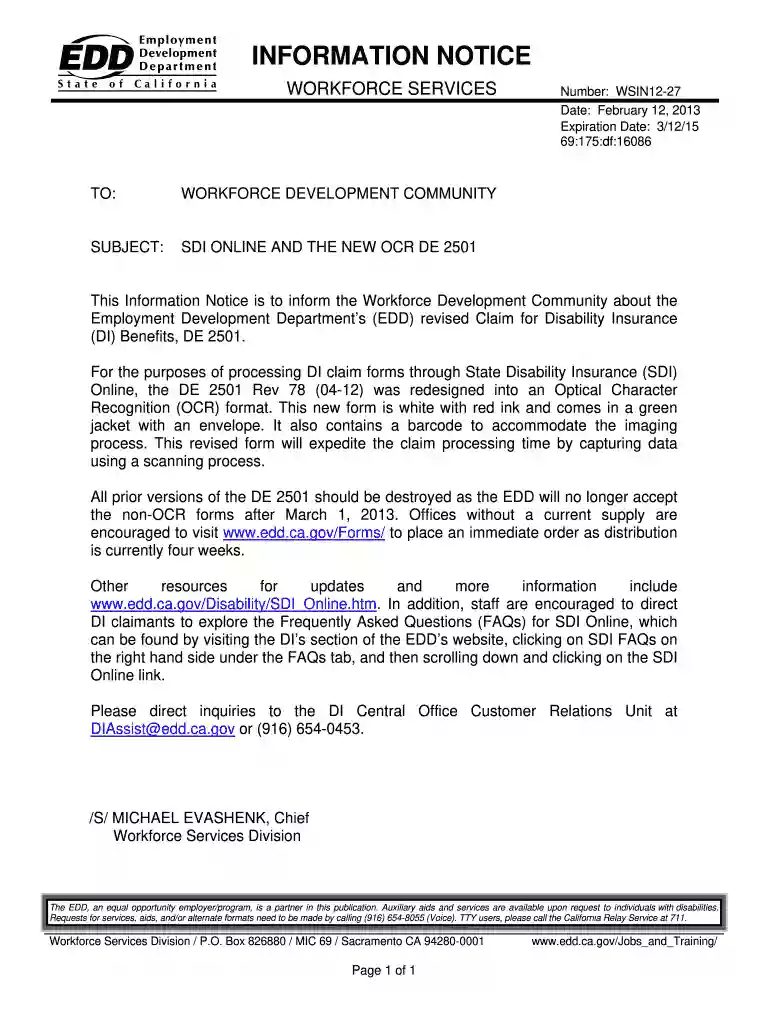
Type text, add images, blackout confidential details, add comments, highlights and more.

Draw your signature, type it, upload its image, or use your mobile device as a signature pad.

Send ca disability de 2501 via email, link, or fax. You can also download it, export it or print it out.

Start using our platform today to fill out and submit your DE 2501 form easily and for free!
At DocHub, your data security is our priority. We follow HIPAA, SOC2, GDPR, and other standards, so you can work on your documents with confidence.
You may be entitled to substitute wages paid in prior quarters either to make your claim valid or to increase your benefit amount. Page 2 of 13. Page 3. DE 2501Read more
by HW Sites 2000 Cited by 1 This information aided site managers in identifying appropriate sampling locations for better delineation of contamination. Table ES-3 provides a summary of theRead more
Title 26 - INTERNAL REVENUE CODE prev | next (Aug. 16, 1954, ch. 736, 68A Stat. 3; Pub. L. 99514, 2, Oct. 22,Read more


