Type text, add images, blackout confidential details, add comments, highlights and more.
02. Sign it in a few clicks
Draw your signature, type it, upload its image, or use your mobile device as a signature pad.
03. Share your form with others
Send it via email, link, or fax. You can also download it, export it or print it out.
How to use or fill out kalender 2020 with our platform
Ease of Setup
DocHub User Ratings on G2
Ease of Use
DocHub User Ratings on G2
Click ‘Get Form’ to open the kalender 2020 in the editor.
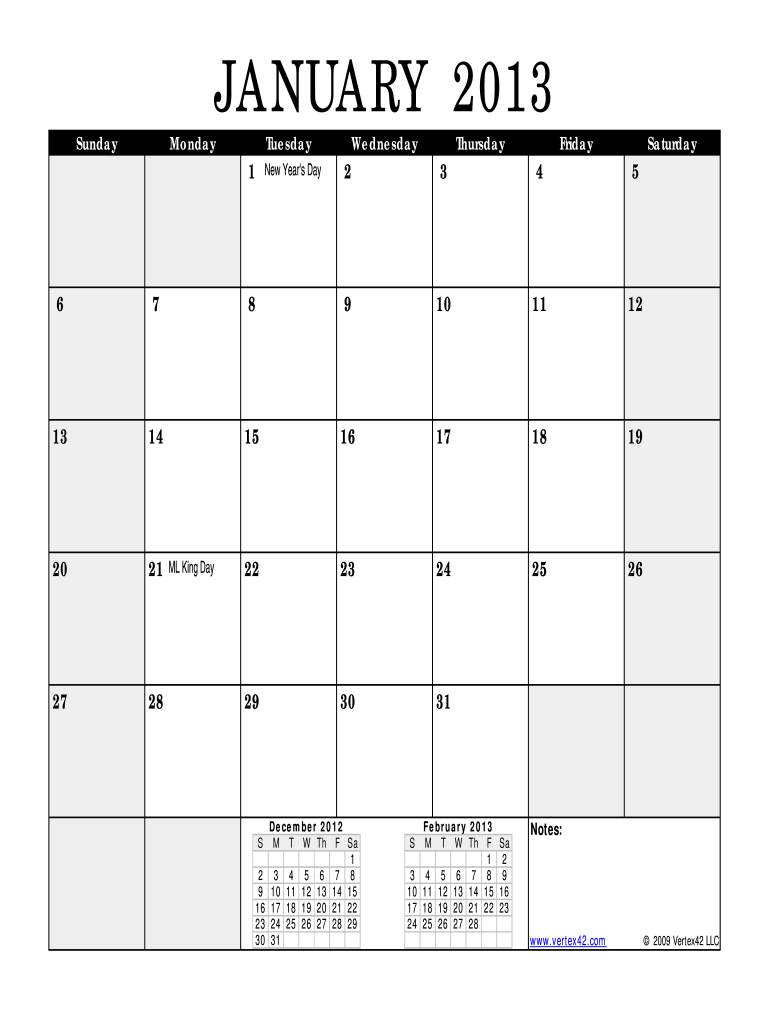
Begin by reviewing the calendar layout. Each month is clearly labeled, and important dates are highlighted for your convenience.
Use the text tool to add personal notes or reminders directly onto specific dates. This feature allows you to customize your calendar effortlessly.
If you need to mark holidays or special events, simply click on the date and type in your event details. You can also change the font style and color for better visibility.
Once you have filled out all necessary information, save your changes. You can easily export or share your completed kalender 2020 with others directly from our platform.
Start using our editor today for free and make your kalender 2020 truly yours!
Calendar: 1950 to 2020. Washington State Budget trends viewer. Constellation pictures. Macroeconomic data trend diagrams. Global percapita GDP chart. U.S.Read more
Cookie consent notice
This site uses cookies to enhance site navigation and personalize your experience.
By using this site you agree to our use of cookies as described in our Privacy Notice.
You can modify your selections by visiting our Cookie and Advertising Notice.