




01. Edit your statement of claim example online
Type text, add images, blackout confidential details, add comments, highlights and more.

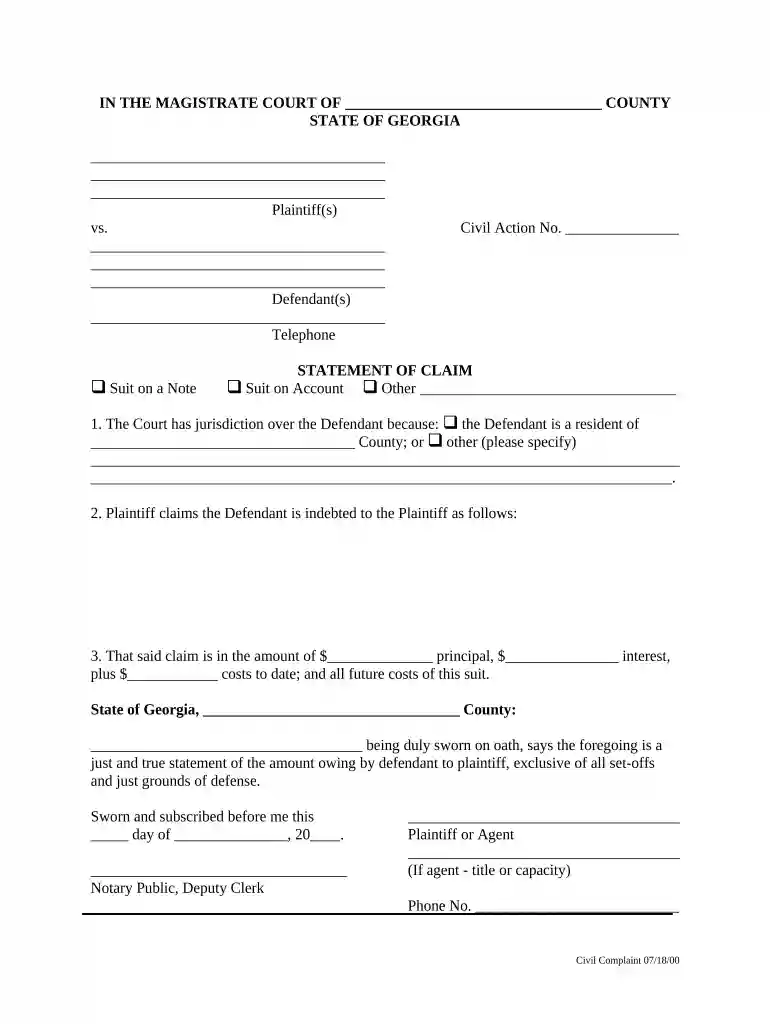
Type text, add images, blackout confidential details, add comments, highlights and more.

Draw your signature, type it, upload its image, or use your mobile device as a signature pad.

Send it via email, link, or fax. You can also download it, export it or print it out.

Start using our platform today to easily complete your statement claim for free!
At DocHub, your data security is our priority. We follow HIPAA, SOC2, GDPR, and other standards, so you can work on your documents with confidence.
A thesis statement is a claim that sets up your argument. Your thesis should situate your argument within a broader discussion, which will likely involveRead more
Jun 15, 2016 A template used to identify questionable claims in articles that lack a citation to a reliable source.Read more
STATEMENT OF CLAIM NOTE: If the claim is based upon a written document, a copy, or the material part thereof, shall be attached to the statement of claim.Read more


