




01. Edit your form online
Type text, add images, blackout confidential details, add comments, highlights and more.

Type text, add images, blackout confidential details, add comments, highlights and more.

Draw your signature, type it, upload its image, or use your mobile device as a signature pad.

Send it via email, link, or fax. You can also download it, export it or print it out.

Start using our platform today to easily fill out your waiver notice document for free!
At DocHub, your data security is our priority. We follow HIPAA, SOC2, GDPR, and other standards, so you can work on your documents with confidence.
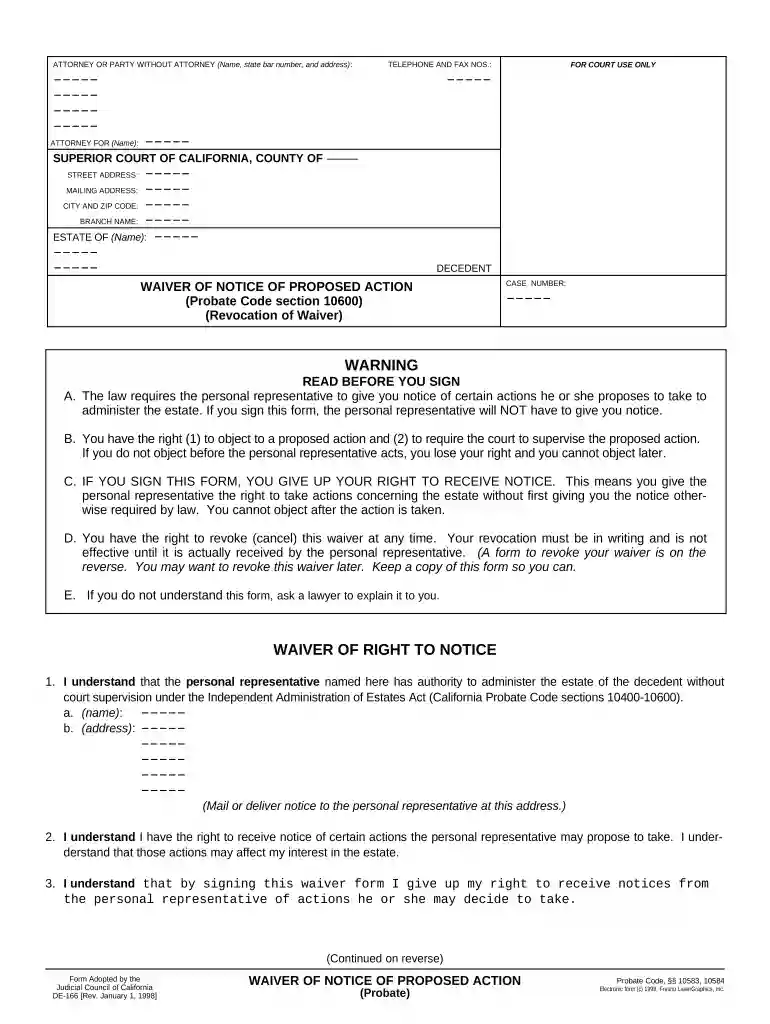
Waiver of Notice of Proposed Action (DE-166). Tell the court that you give up (waive) your right to get notice from the personal representative of the estateRead more
Public Domain Standard. A common test for waiver applied by agencies and courts is the public domain standard formulated by the U.S. Court of Appeals forRead more
At their core, these documents are legal agreements in which one party transfers the risk of injury or property damages from one party to another. ProperlyRead more


