




01. Edit your form online
Type text, add images, blackout confidential details, add comments, highlights and more.

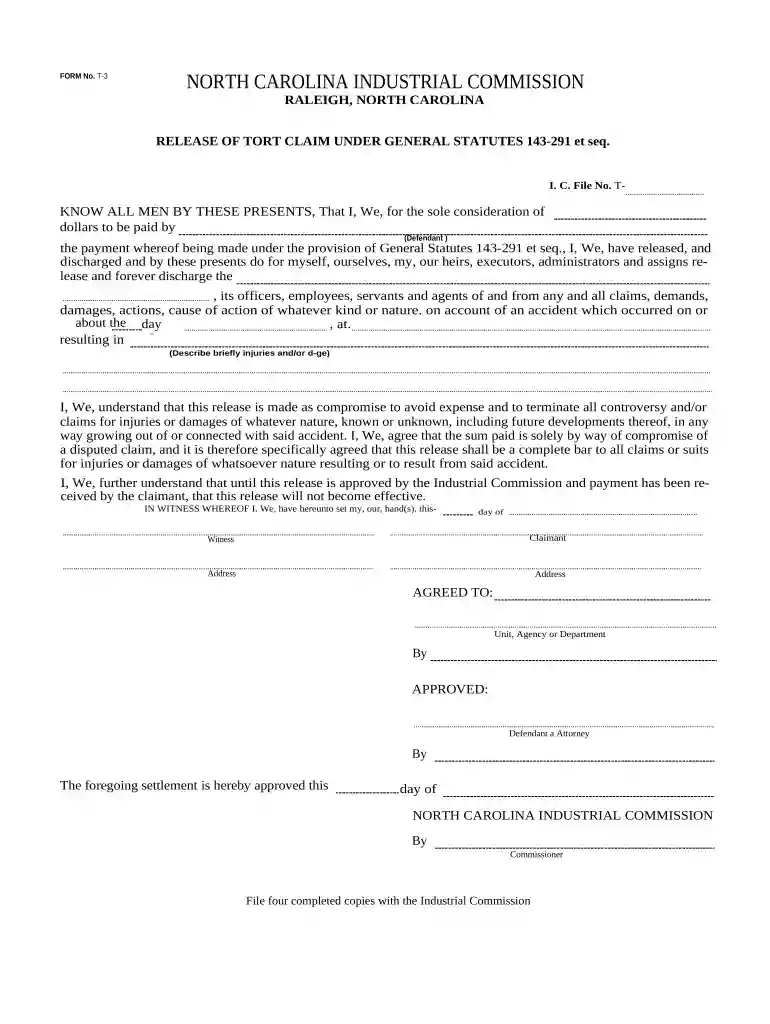
Type text, add images, blackout confidential details, add comments, highlights and more.

Draw your signature, type it, upload its image, or use your mobile device as a signature pad.

Send it via email, link, or fax. You can also download it, export it or print it out.

Start using our platform today to streamline your nc workers compensation form completion for free!
At DocHub, your data security is our priority. We follow HIPAA, SOC2, GDPR, and other standards, so you can work on your documents with confidence.
The main phone number for the N.C. Industrial Commission is 919-807-2501, or toll-free at 800-688-8349, Monday through Friday from 8:00 AM until 5:00 PM.Read more
The Workers Compensation program provides benefits to any employee who suffers disability through accident or occupational disease.Read more
North Carolinas worst workplace accident. The accident led to the passage of North Carolinas Workers Compensation Act in 1929. Coal production ceasedRead more


