




01. Edit your runescape contract claws online
Type text, add images, blackout confidential details, add comments, highlights and more.

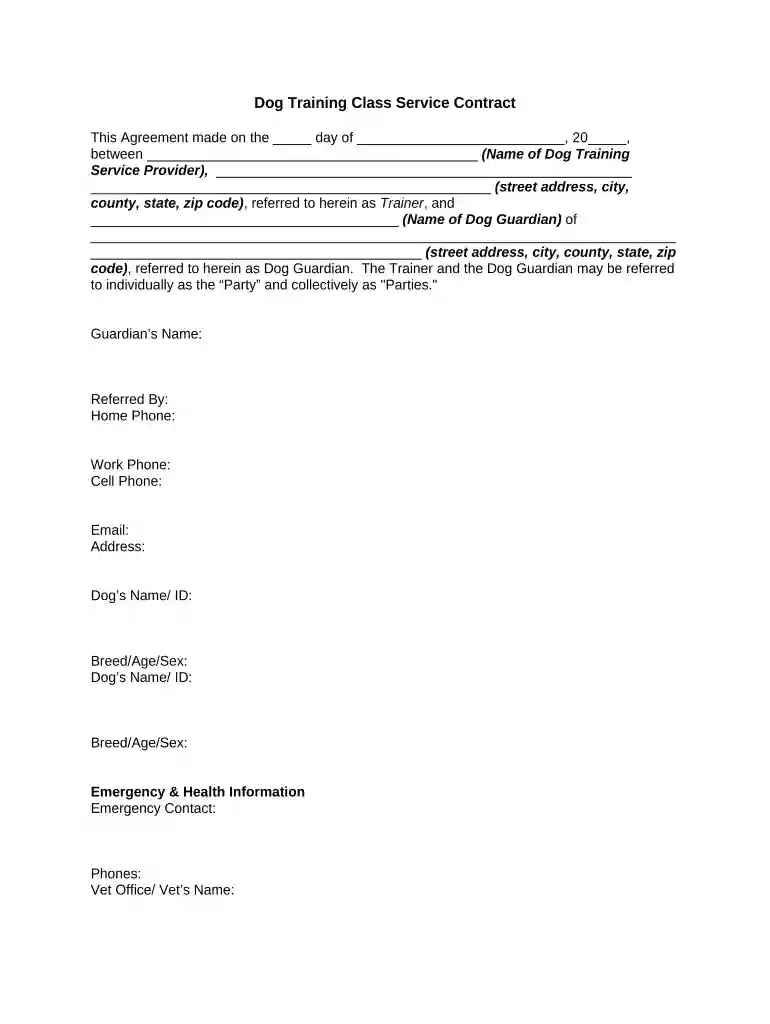
Type text, add images, blackout confidential details, add comments, highlights and more.

Draw your signature, type it, upload its image, or use your mobile device as a signature pad.

Send it via email, link, or fax. You can also download it, export it or print it out.

Start filling out your dog contract today for free on our platform!
At DocHub, your data security is our priority. We follow HIPAA, SOC2, GDPR, and other standards, so you can work on your documents with confidence.
The general purpose of a puppy contract is to protect the dog. But how far can a breeder go before a court will not enforce the contract? Though these musingsRead more
You must bring your ID and sign the release form the first time you walk dogs. All dogs walkers MUST be 18 years or older. Leave This BlankRead more


