




01. Edit your form online
Type text, add images, blackout confidential details, add comments, highlights and more.

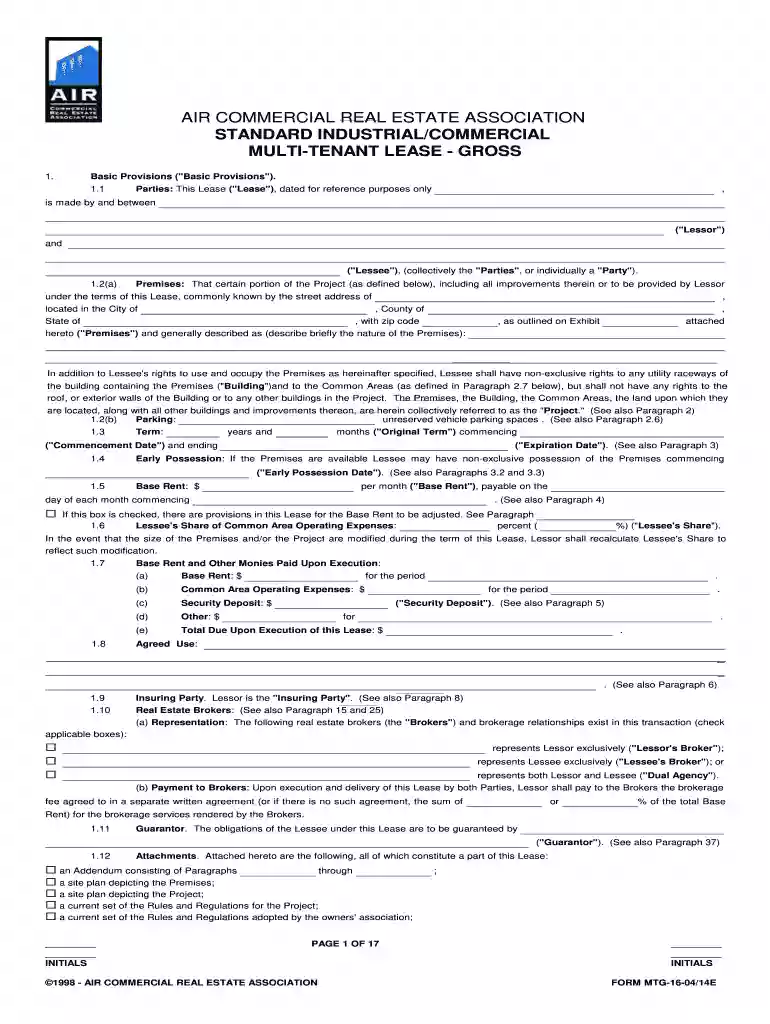
Type text, add images, blackout confidential details, add comments, highlights and more.

Draw your signature, type it, upload its image, or use your mobile device as a signature pad.

Send it via email, link, or fax. You can also download it, export it or print it out.

Start using our platform today to effortlessly complete your industrial multi tenant 2007 form online for free!
At DocHub, your data security is our priority. We follow HIPAA, SOC2, GDPR, and other standards, so you can work on your documents with confidence.
An applicant may receive credit for actual time spent on an appraisal up to the maximum hour value allowed for the type of appraisal performed.Read more
ABB understands the challenges faced in the single and multi-family housing industry and is committed to providing innovative electrical solutions that not onlyRead more


