




01. Edit your cg 2038 online
Type text, add images, blackout confidential details, add comments, highlights and more.

Type text, add images, blackout confidential details, add comments, highlights and more.

Draw your signature, type it, upload its image, or use your mobile device as a signature pad.

Send cg 20 26 11 85 via email, link, or fax. You can also download it, export it or print it out.

Start using our platform today for free and streamline your document completion process!
At DocHub, your data security is our priority. We follow HIPAA, SOC2, GDPR, and other standards, so you can work on your documents with confidence.
Temperature and pressure dynamics: Temperature rapidly increased to 300 K during initial NVT equilibration (0-50 ps), then stabilized at 3000.5 K with GaussianRead more
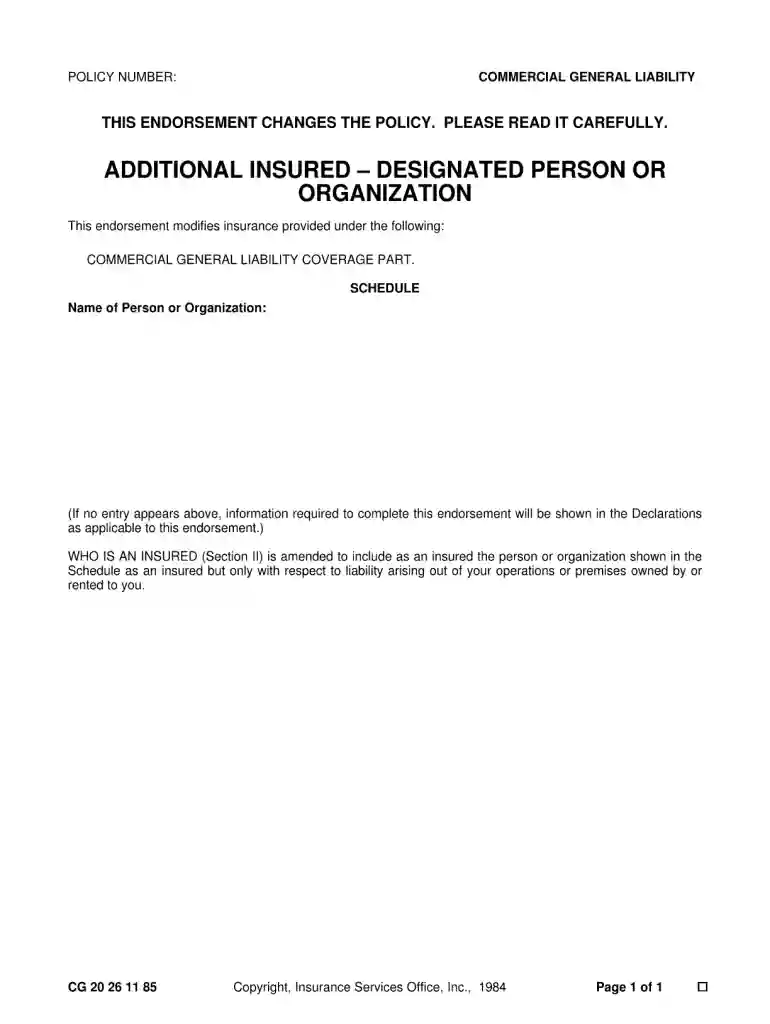
THIS ENDORSEMENT CHANGES THE POLICY. PLEASE READ IT CAREFULLY. CG 20 26 11 85. Copyright, Insurance Services Office, Inc., 1984. Page 1Read more
No information is available for this page.


