




01. Edit your itac full form online
Type text, add images, blackout confidential details, add comments, highlights and more.

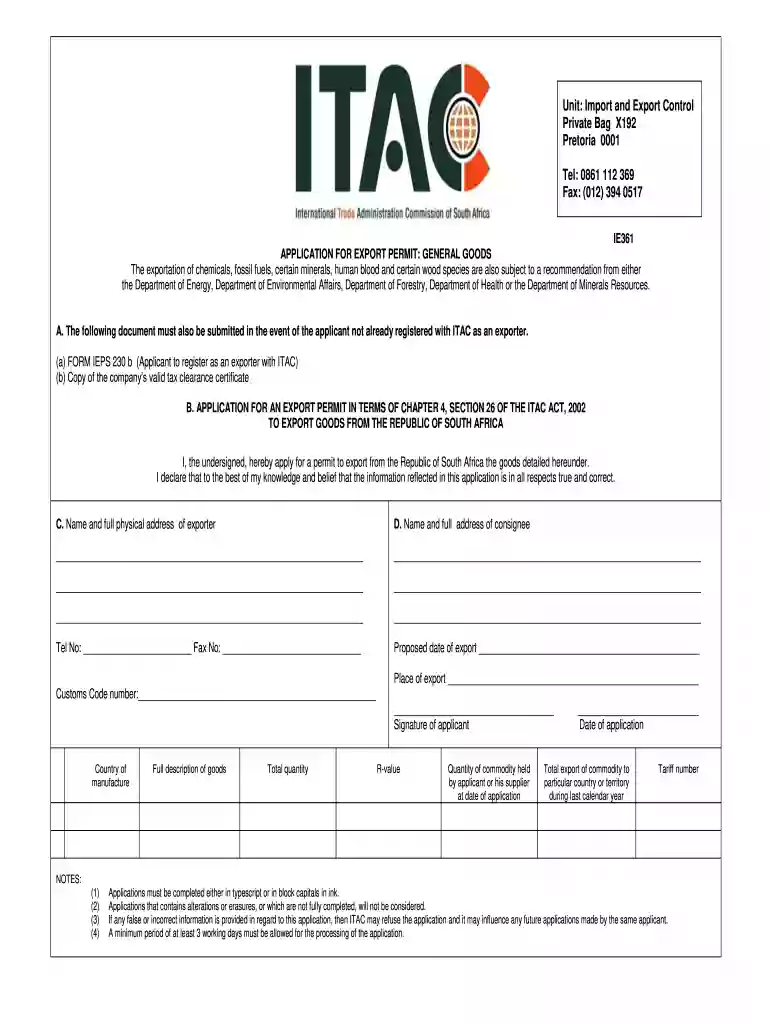
Type text, add images, blackout confidential details, add comments, highlights and more.

Draw your signature, type it, upload its image, or use your mobile device as a signature pad.

Send ie361 via email, link, or fax. You can also download it, export it or print it out.

Start using our platform today to streamline your document editing and form completion process for free!
At DocHub, your data security is our priority. We follow HIPAA, SOC2, GDPR, and other standards, so you can work on your documents with confidence.
May 8, 2026 International Trade Administration (ITA) The ITA, a bureau within the Department of Commerce, is responsible for promoting U.S. exports andRead more
The United States International Trade Commission is an independent, nonpartisan, quasi-judicial federal agency that fulfills a range of trade-related
Aug 28, 2016 Each page has specific information about the entity, including FOIA submission information, regulations, FOIA statistics, information systems,Read more


