




01. Edit your ccp 446 online
Type text, add images, blackout confidential details, add comments, highlights and more.

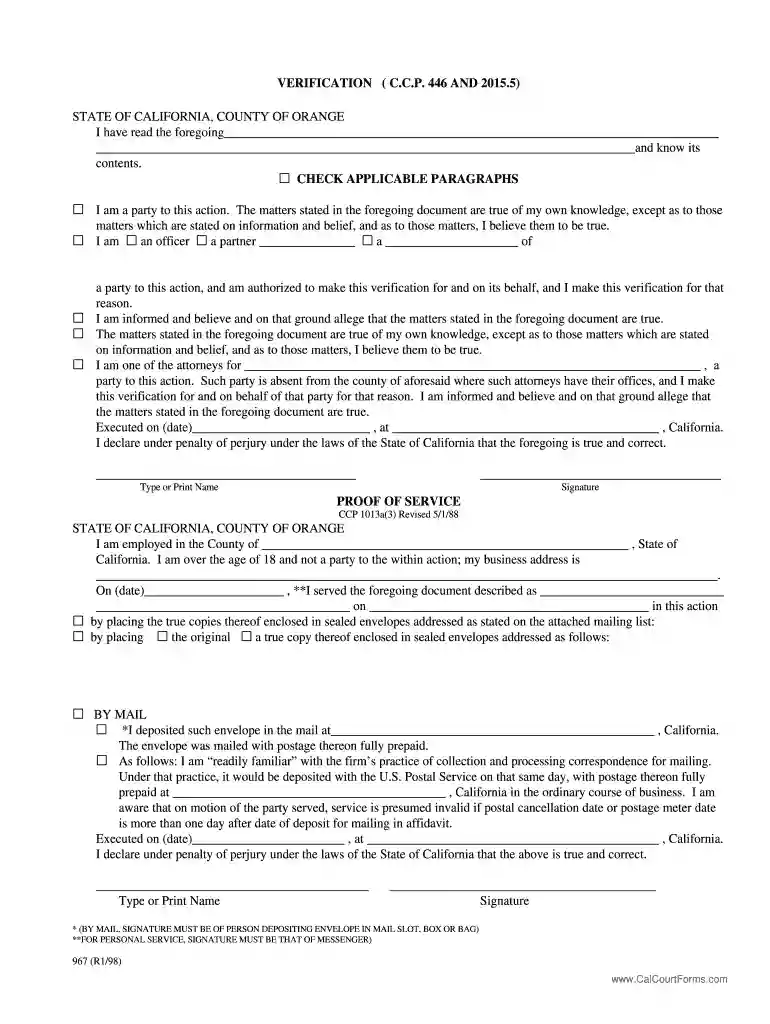
Type text, add images, blackout confidential details, add comments, highlights and more.

Draw your signature, type it, upload its image, or use your mobile device as a signature pad.

Send verification form california discovery via email, link, or fax. You can also download it, export it or print it out.

Start using our platform today for free to streamline your ccp 446 form completion!
At DocHub, your data security is our priority. We follow HIPAA, SOC2, GDPR, and other standards, so you can work on your documents with confidence.
A defendant or defendants desiring to remove any civil action from a State court shall file in the district court of the United States for the district andRead more
NEXT CCP IDENTIFIER PARAMETER IN CCP STRUCTURED FIELD identifier2 WAS NOT APK446S. USE OF FIELDn BY INDEXn IS INVALID. ONLY ONE FIELD IS ALLOWED IN ANRead more
No information is available for this page.


