




01. Edit your customer service rubric online
Type text, add images, blackout confidential details, add comments, highlights and more.

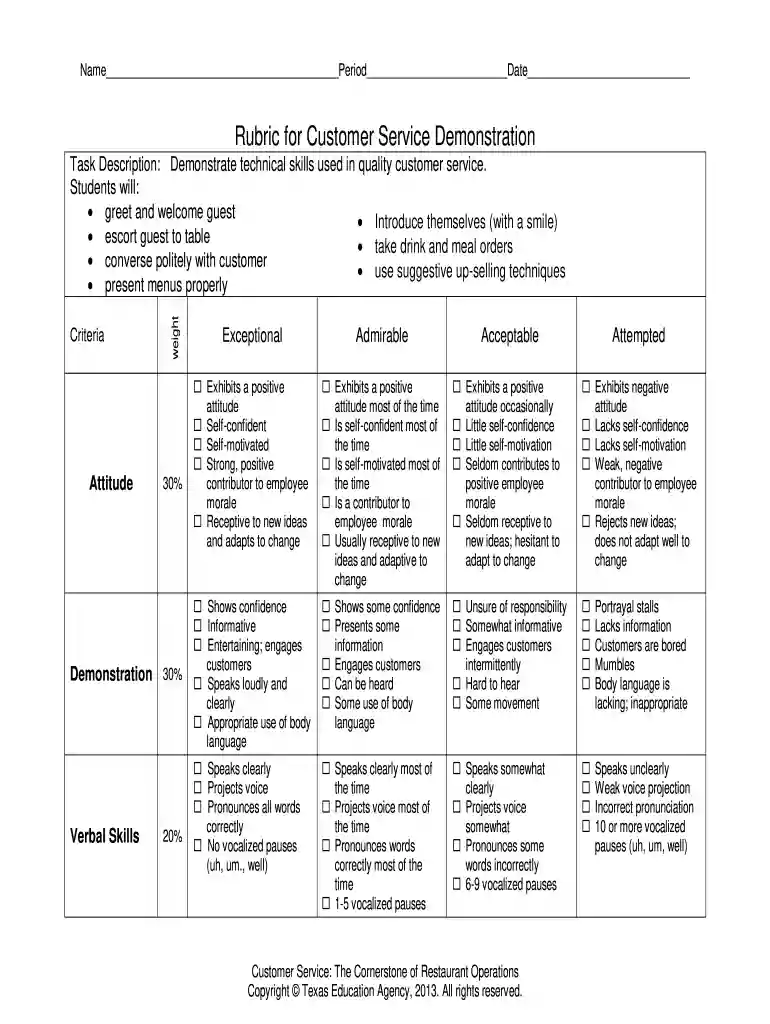
Type text, add images, blackout confidential details, add comments, highlights and more.

Draw your signature, type it, upload its image, or use your mobile device as a signature pad.

Send doc hub customer service via email, link, or fax. You can also download it, export it or print it out.

Start using our platform today to effortlessly complete your customer service rubric online for free!
At DocHub, your data security is our priority. We follow HIPAA, SOC2, GDPR, and other standards, so you can work on your documents with confidence.
Use the CRM Customer Engagement Center (CEC) FAQ below as a ServiceNow Customer Service-specific RFP checklist. It translates the category selection criteria
This badge validates that the earner can effectively manage customer complaints and service failures using industry-recognized models such as. LEARN and HEART.Read more


