




Here's how it works



How to use or fill out WinAIR Forms Filler with our platform

- Click ‘Get Form’ to open the WinAIR Forms Filler in the editor.
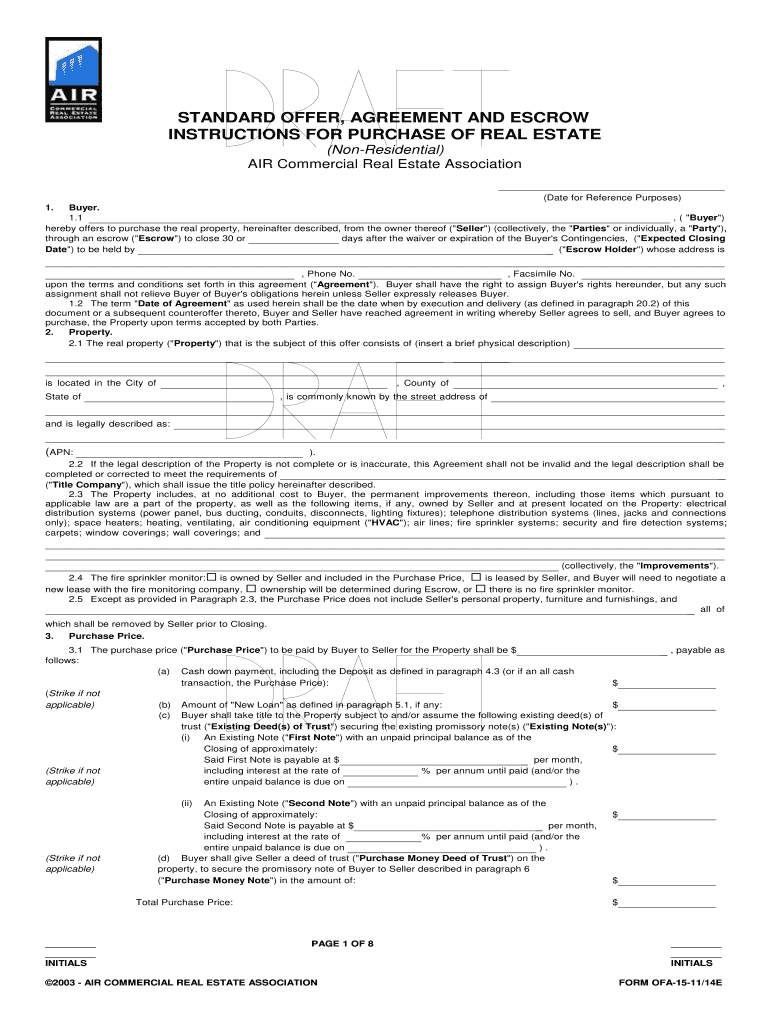
- Begin by entering the Buyer’s name and contact information in the designated fields. Ensure accuracy as this information is crucial for the agreement.
- Proceed to fill out the Property section, providing a brief physical description, location details, and legal description of the property. This ensures clarity on what is being purchased.
- In the Purchase Price section, input all relevant financial details including cash down payment and any existing loans. Make sure to double-check these figures for correctness.
- Complete the Deposits section by indicating any checks or funds delivered to Escrow Holder. This step is vital for securing your offer.
- Review all entered information thoroughly before saving or submitting your form. Utilize our platform's features to ensure everything is filled out correctly.
Start using our platform today for free and streamline your document editing experience!
It's free
Got questions?
Can I use DocHub to create legal electronic signatures on my winair forms?
Yes, you can use DocHub for signing any business and personal paperwork, including your winair forms. All eSignatures you create with our service are legally binding and court-admissible, as DocHub complies with standards required by ESIGN and UETA. Save your completed form with a detailed Audit Trail if necessary.
How do you edit WinAIR Forms Filler in Chrome?
If you use Chrome, there are two simple ways to modify your WinAIR Forms Filler online. First, go to the DocHub website, add your file, and modify it utilizing our toolbar. You can also install our Chrome extension and modify any document by dragging and dropping it in your browser tab.
Security and compliance
At DocHub, your data security is our priority. We follow HIPAA, SOC2, GDPR, and other standards, so you can work on your documents with confidence.
Learn more




