




01. Edit your form online
Type text, add images, blackout confidential details, add comments, highlights and more.

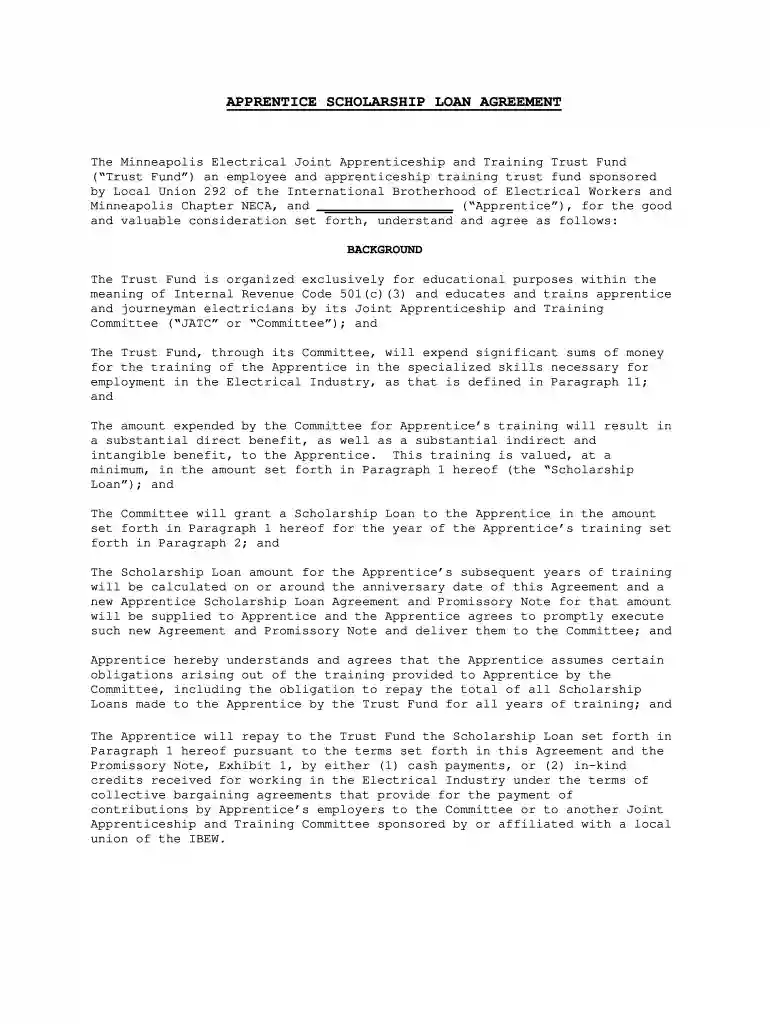
Type text, add images, blackout confidential details, add comments, highlights and more.

Draw your signature, type it, upload its image, or use your mobile device as a signature pad.

Send it via email, link, or fax. You can also download it, export it or print it out.

Start using our platform today to fill out your scholarship loan jatc form easily and for free!
Approving paperwork on a mobile device is quick, straightforward, and doesn’t require software installation if you have an account with DocHub. Sign in from any browser, fill in your blank fields with your data, and click on Sign → Create your signature. You can draw your electronic signature just as you usually do on paper, add its picture to your scholarship loan jatc form, or type in your name and stylize its look. No matter what option you choose, your paperwork will be valid.
With DocHub, you have several convenient ways to edit your scholarship loan jatc form online. You can drag and drop the form and modify it straight at the DocHub website or use our browser extension to fill out your form right away. On top of that, you can modify your PDF on your smartphone, as DocHub works with all the available mobile platforms.
At DocHub, your data security is our priority. We follow HIPAA, SOC2, GDPR, and other standards, so you can work on your documents with confidence.
Mar 26, 1985 The new Sheet Metal Scholarship Loan Agreement provides that apprentices or journeymen who have accepted training benefits paid for byRead more
We do not accept federal loans or student aid (FAFSA). However, we do accept private student loans, which have been a popular choice among many NLC students.Read more


