




01. Edit your barbados immigration form online
Type text, add images, blackout confidential details, add comments, highlights and more.

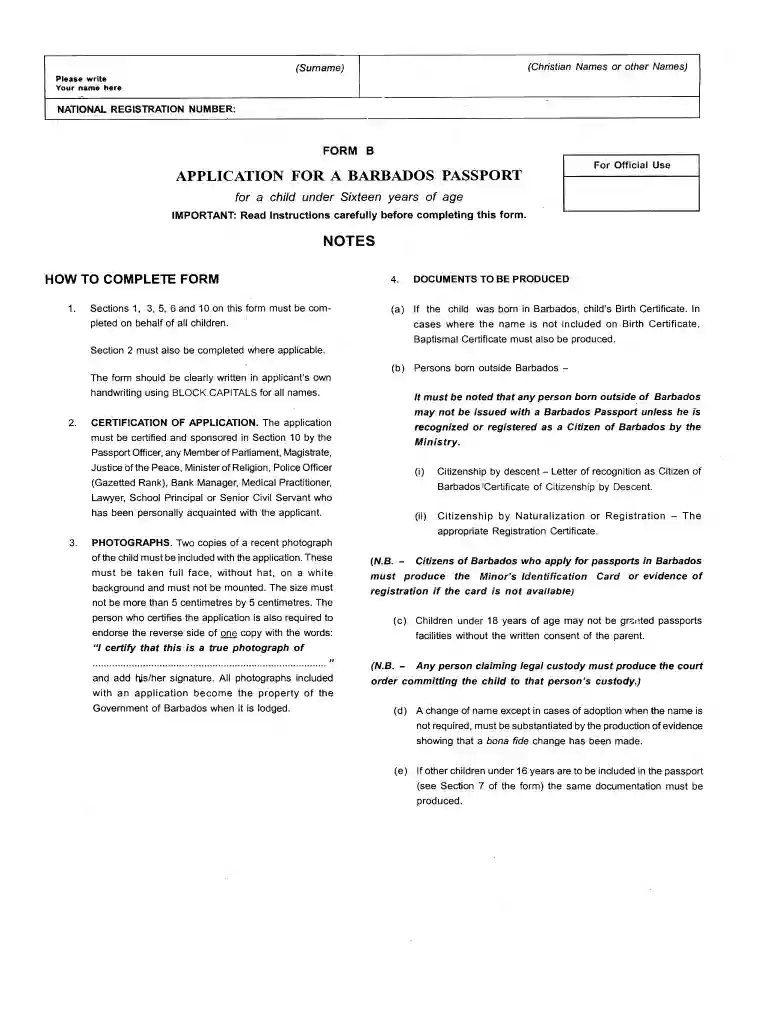
Type text, add images, blackout confidential details, add comments, highlights and more.

Draw your signature, type it, upload its image, or use your mobile device as a signature pad.

Send barbados entry form via email, link, or fax. You can also download it, export it or print it out.

Start using our platform today for free and simplify your Barbados immigration form completion!
At DocHub, your data security is our priority. We follow HIPAA, SOC2, GDPR, and other standards, so you can work on your documents with confidence.
Maiden names may be included on the fingerprint based forms but are not permitted on name based forms. Maiden names must be submitted separately when usingRead more
Web fill in the online form 72 hours before your arrival in barbados and present the receipts to immigration and customs. Note that some forms may requireRead more
Jan 6, 2026 Passport, Visa, and Sealed Immigrant Packet We will place your immigrant visa on a page in your passport. Please review your visa to make sureRead more


