




01. Edit your utah sports physical form online
Type text, add images, blackout confidential details, add comments, highlights and more.

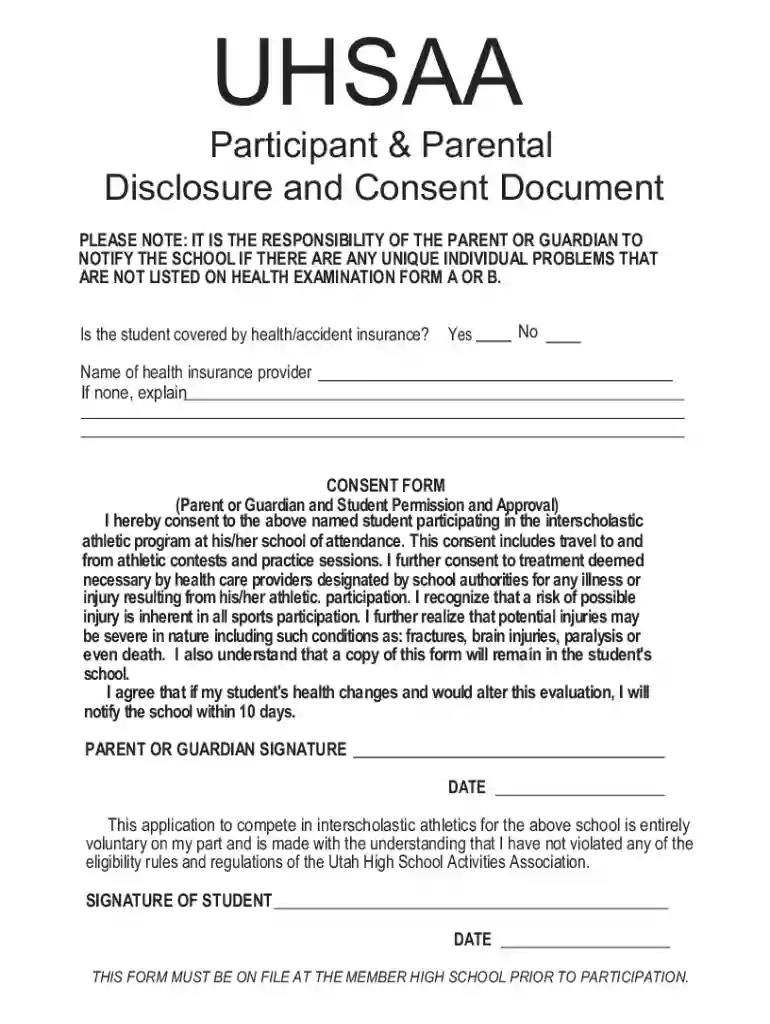
Type text, add images, blackout confidential details, add comments, highlights and more.

Draw your signature, type it, upload its image, or use your mobile device as a signature pad.

Send sports physical form pdf via email, link, or fax. You can also download it, export it or print it out.

Start using our platform today for free to streamline your sports physical form completion!
Most eSignature services require users to have a paid subscription. With DocHub, there are two ways for you to add an electronic signature to your printable sports physical form free of charge:
The second option, however, has restrictions on the number of signatures, sign requests, emails, and documents for adjusting available per month. You can check for full details here.
As a comprehensive document modifying service, DocHub is accessible on mobile phones. Open DocHub in your choice of mobile browser and use our smart mobile-friendly toolset to fill out your utah high school physical form.
At DocHub, your data security is our priority. We follow HIPAA, SOC2, GDPR, and other standards, so you can work on your documents with confidence.
1. Has a doctor ever denied or restricted your participation in sports for any reason? 2. Do you have any ongoing medical conditions? IfRead more
ATHLETIC PRE-PARTICIPATION PHYSICAL EVALUATION FORM. CONTESTANT INFORMATION (Please print clearly). Contestants Name: Sport: Sex: M F (circle one) AgeRead more
To be protected by the ADA, one must have a disability or have a relationship or association with an individual with a disability.Read more


