




01. Edit your arizona spds form 2023 online
Type text, add images, blackout confidential details, add comments, highlights and more.

Type text, add images, blackout confidential details, add comments, highlights and more.

Draw your signature, type it, upload its image, or use your mobile device as a signature pad.

Send arizona spds form 2024 via email, link, or fax. You can also download it, export it or print it out.

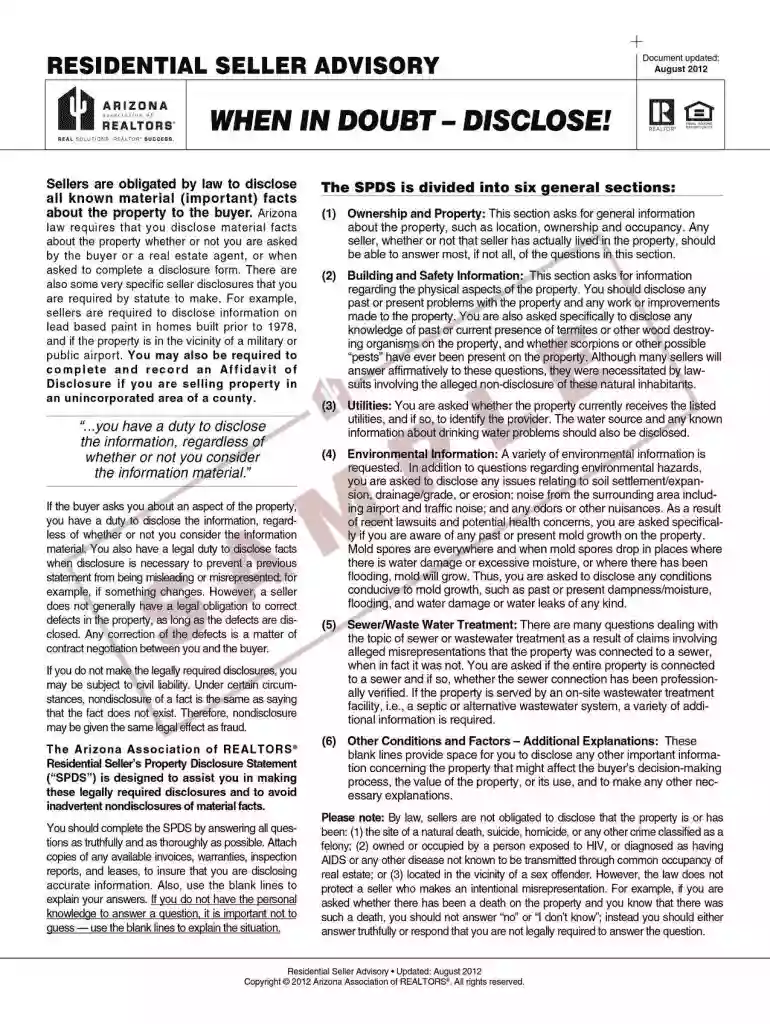
Start using our platform today to complete your Residential Seller's Property Disclosure Statement effortlessly and for free!
Electronic signatures are an excellent alternative to traditional signing, as they save time, effort, and costs people spend on printing, scanning, and paper delivery. You can eSign your fillable spds arizona using a reliable and robust online document management services like DocHub. It complies with primary eSignature standards (ESIGN and UETA), so all forms approved there are legally binding and have the same validity as physically signed ones.
When you edit your arizona spds with DocHub, you merely require a stable web connection and virtually any browser installed on your device. No need to set up any third-party software or study guides. Simply open a tab with DocHub, drag and drop your file, and edit it immediately.
At DocHub, your data security is our priority. We follow HIPAA, SOC2, GDPR, and other standards, so you can work on your documents with confidence.
Arizona Revised Statutes (ARS 33-422)5 now require disclosure between sellers and buyers about certain aspects of a propertysuch as whether or not aRead more
In addition to furnishing such DocHubd statement, the applicant shall furnish the name, address and phone number of the owner of record of the property, asRead more
Nov 19, 2024 Use Arizona Form 285-PMC only if: You own residential rental property in Arizona, and; You hired a property management company (PMC) to fileRead more


