




01. Edit your form online
Type text, add images, blackout confidential details, add comments, highlights and more.

Type text, add images, blackout confidential details, add comments, highlights and more.

Draw your signature, type it, upload its image, or use your mobile device as a signature pad.

Send it via email, link, or fax. You can also download it, export it or print it out.

Start using our platform today to streamline your form completion process for free!
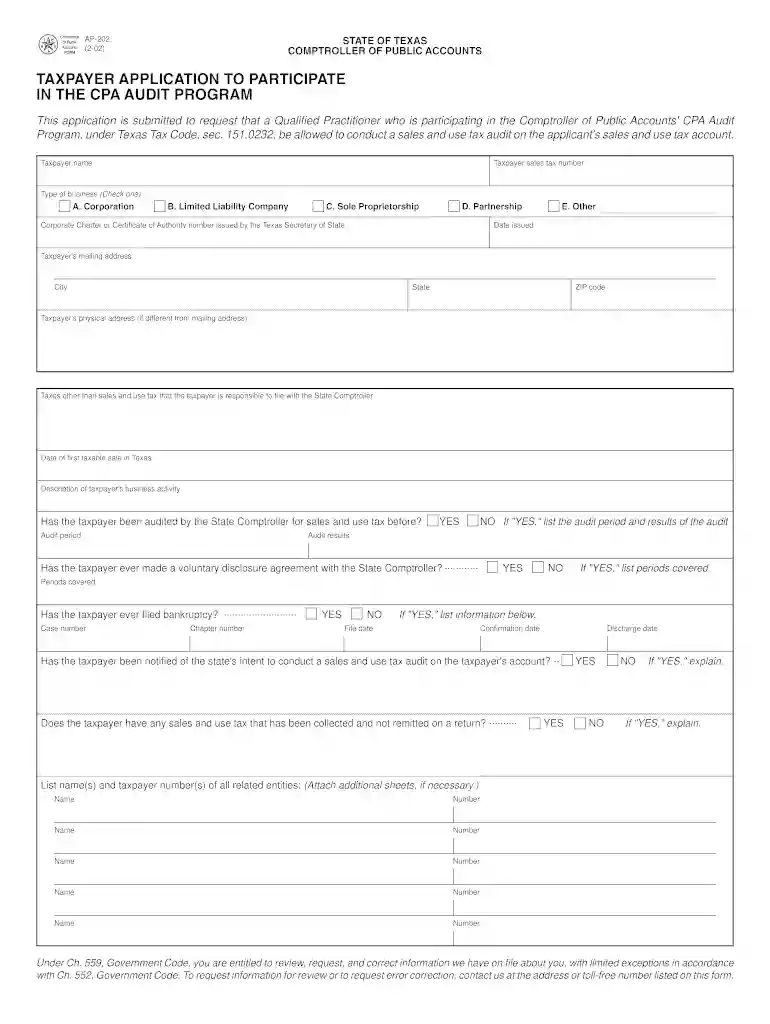
With DocHub, it’s quite simple. The service offers users an add-on called DocHub for Gmail, which you can locate in the Google Workspace Marketplace without being charged. Install it and grant it access to your Google account. Open your email with your AP-202 Taxpayer Application to Participate in the CPA Audit Program - window state tx attached and click on the add-on button in the right-side panel. Sign in to your DocHub account, and import the file to our editor, where you can complete it and sign.
If you need to edit your AP-202 Taxpayer Application to Participate in the CPA Audit Program - window state tx online quickly, it does not matter what internet browser you use. DocHub’s straightforward editing instruments are available using any internet browser. Just open the appropriate tab within our editor, add your document, and fill it out without stress.
At DocHub, your data security is our priority. We follow HIPAA, SOC2, GDPR, and other standards, so you can work on your documents with confidence.
The Audit Plan should include all audit procedures employed, dates of meetings with taxpayers and who attended, audit decisions, listing of events and any otherRead more
by S Combs Cited by 2 What legal guidelines and precedents do you face as a member of an appraisal review board (ARB)? Who sched- ules protests and challenges?Read more


