




01. Edit your form 47a online
Type text, add images, blackout confidential details, add comments, highlights and more.

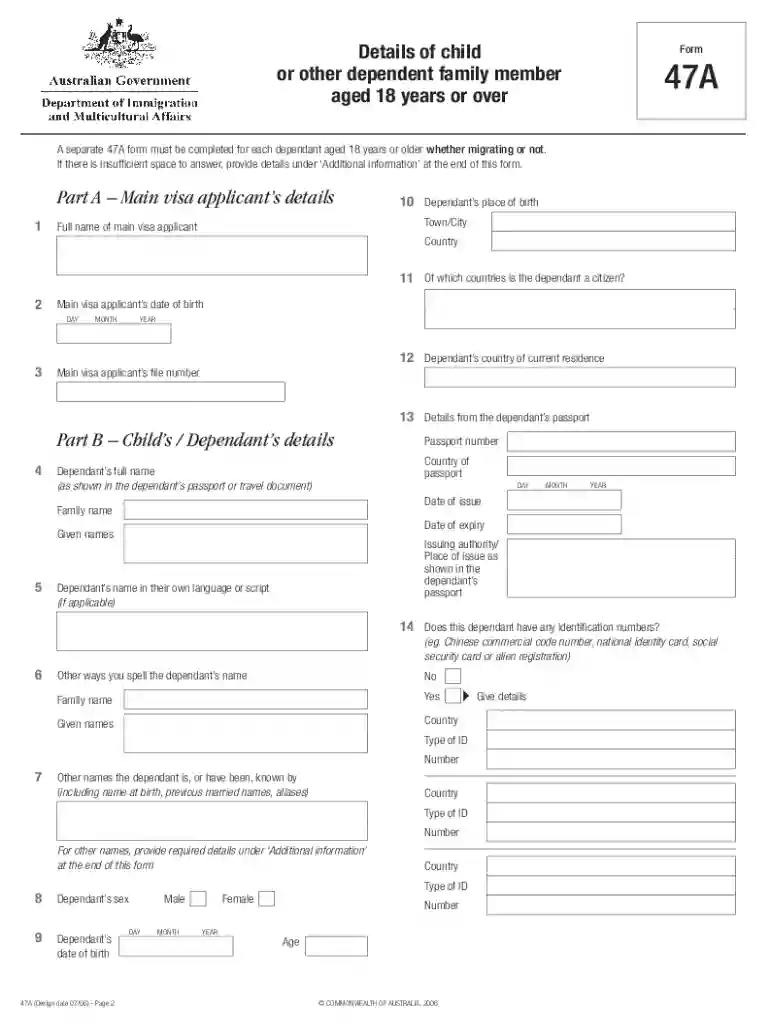
Type text, add images, blackout confidential details, add comments, highlights and more.

Draw your signature, type it, upload its image, or use your mobile device as a signature pad.

Send 47a form via email, link, or fax. You can also download it, export it or print it out.

Start using our platform today for free to streamline your form completion process!
At DocHub, your data security is our priority. We follow HIPAA, SOC2, GDPR, and other standards, so you can work on your documents with confidence.
SECTION 2610 OF THE INSURANCE LAW SAYS AN INSURANCE. COMPANY CANNOT REQUIRE THAT REPAIRS BE MADE TO A. MOTOR VEHICLE IN A PARTICULAR PLACE OR REPAIR SHOP.Read more
47A - BUREAU OF SECURITIES Subchapter 11 - FORMS; N.J. Admin. Code 13:47A-11.1 - Uniform Application for Broker-Dealer Registration (Form BD). N.J. Admin


