View PDF Copies in Google Drive for Staffing via DocHub
Easily View PDF Copies in Google Drive for Staffing with DocHub Integration

A quick-paced business environment calls for innovative solutions to maximize daily document workflows. DocHub offers various cloud service Integration choices, like Google Drive for Staffing, to increase your productivity and effectiveness without the need of compromising your record quality. View PDF Copies, sign, and securely export and transfer your documents without missing data during the process.
How to rapidly View PDF Copies in Google Drive for Staffing on the web via DocHub
- Sign in or register a free DocHub account.
- Access your Dashboard and upload your file by clicking the New Document option.
- Select Google Drive and log in to your account.
- Once the file opens in the editor, effortlessly View PDF Copies and handle your document.
- Enjoy lossless modifying and go to transfer or store your document inside your account.
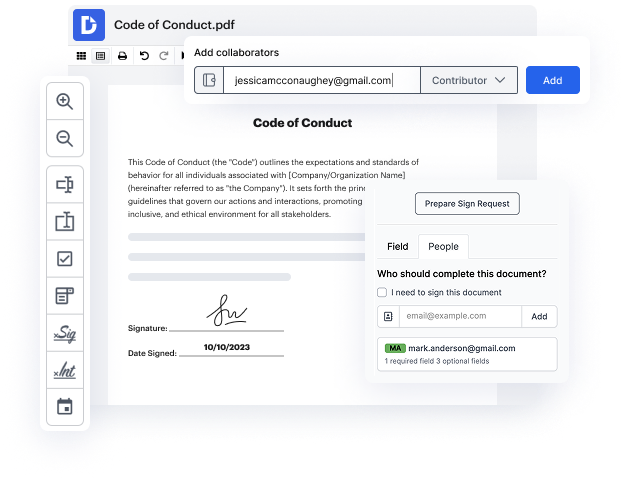
- Share your file with other contributors and help seamless collaboration.
Introduce seamless information sharing and simplify your daily document management. Create a Template for frequently used documents, collaborate with your team, and keep your data structured and View PDF Copies in Google Drive for Staffing with DocHub Integration. Join DocHub today and explore the available integrations.
integration spotlight
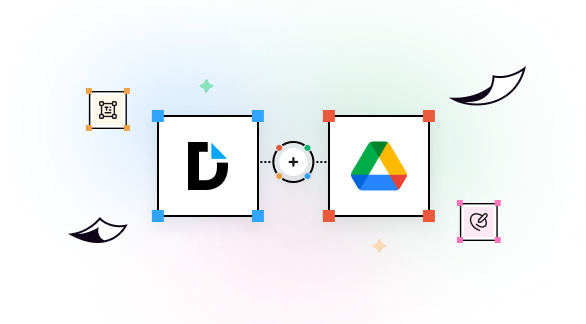
Get work done in Google Drive
With DocHub's PDF editing and eSignature capabilities integrated in Google Drive, you can effortlessly edit, sign, and share any Google Drive document, from anywhere. Once finalized, export the document back to your Drive with a click.
Award-winning solution, recognized for ease of use and excellence




Maximize your productivity in Google Drive with DocHub
Improve teamwork
Collaborate on Google Drive documents by allowing others to edit or view them while staying in the loop with real-time notifications.
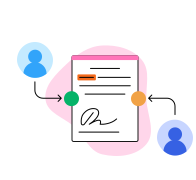
Streamline routine document workflows
Easily customize documents stored in Google Drive or turn them into reusable templates for quick distribution and data collection.
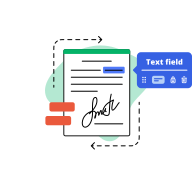
Do business faster from anywhere
Storing contracts in Google Drive? DocHub’s legally-binding eSignatures take them from stored to signed in minutes.
Ensure document security
Use DocHub password protection, end-to-end encryption, and two-factor authentication to securely work with documents stored in Google Drive.
Industry-leading security and compliance
DocHub complies with industry-leading standards, regulations, and certifications to ensure the most effective and secure workflows.


Why choose DocHub?

Powerful features in the free version
DocHub offers free access to premium tools without any time limits or hidden costs. Test out DocHub's advanced functionality with a free 30-day trial.

Google integrations
DocHub is deeply integrated with the Google ecosystem, making it super easy to edit, sign, and manage documents without leaving your favorite Google Apps.

Security
DocHub ensures the security of your data with 256-bit SSL encryption, OAuth 2.0 authentication, and encrypted storage.